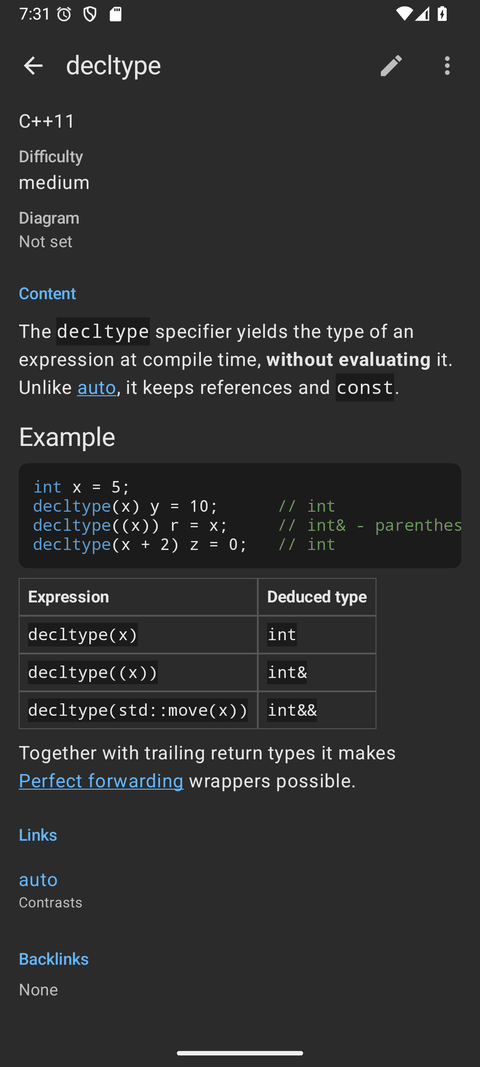
Lexicon in three clients. The shots show C++ concepts, typed fields and links, plus Cards and the card quiz in each client. Click any image to view it full size.
The Qt Widgets application, which opens the SQLite database directly.
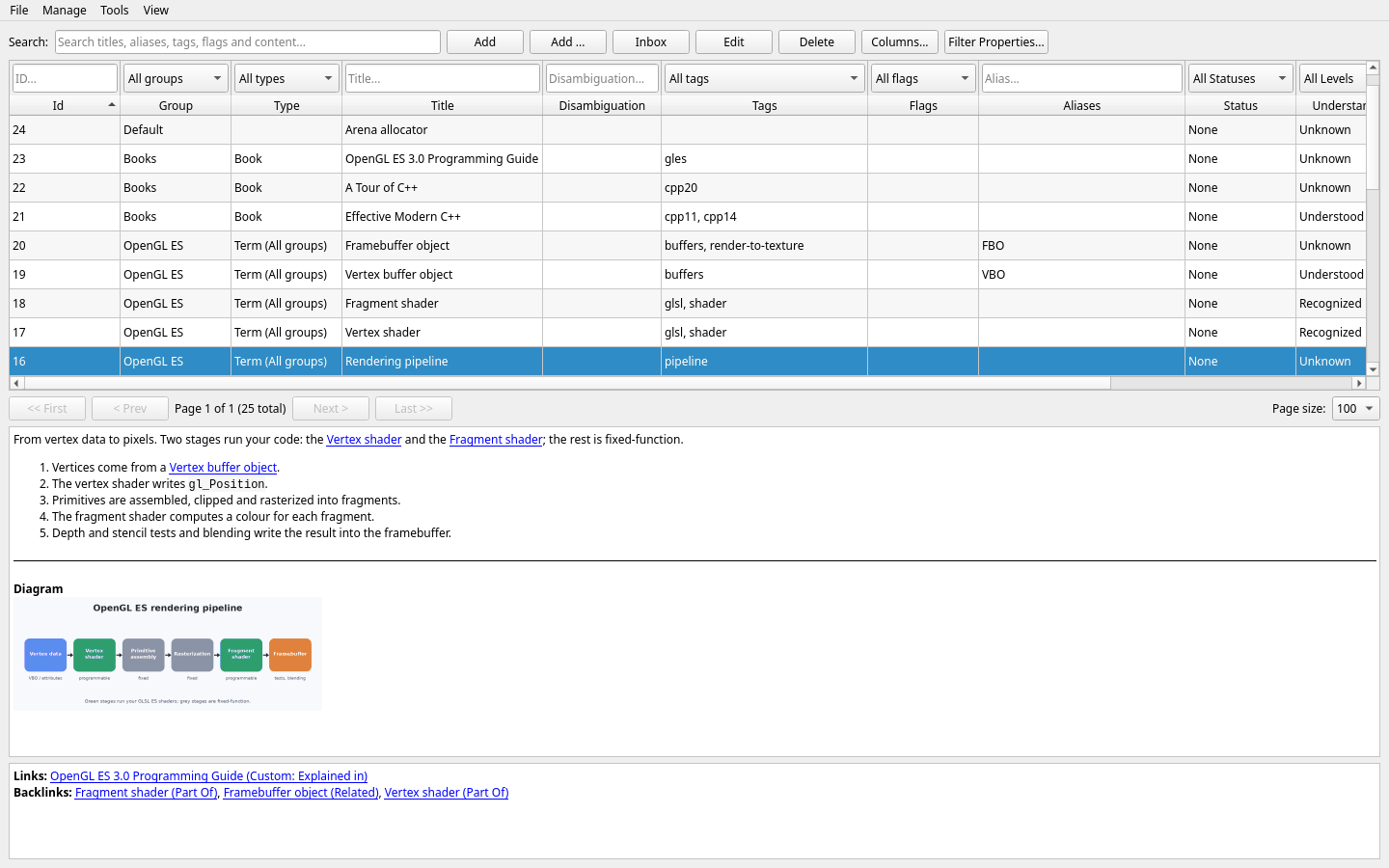
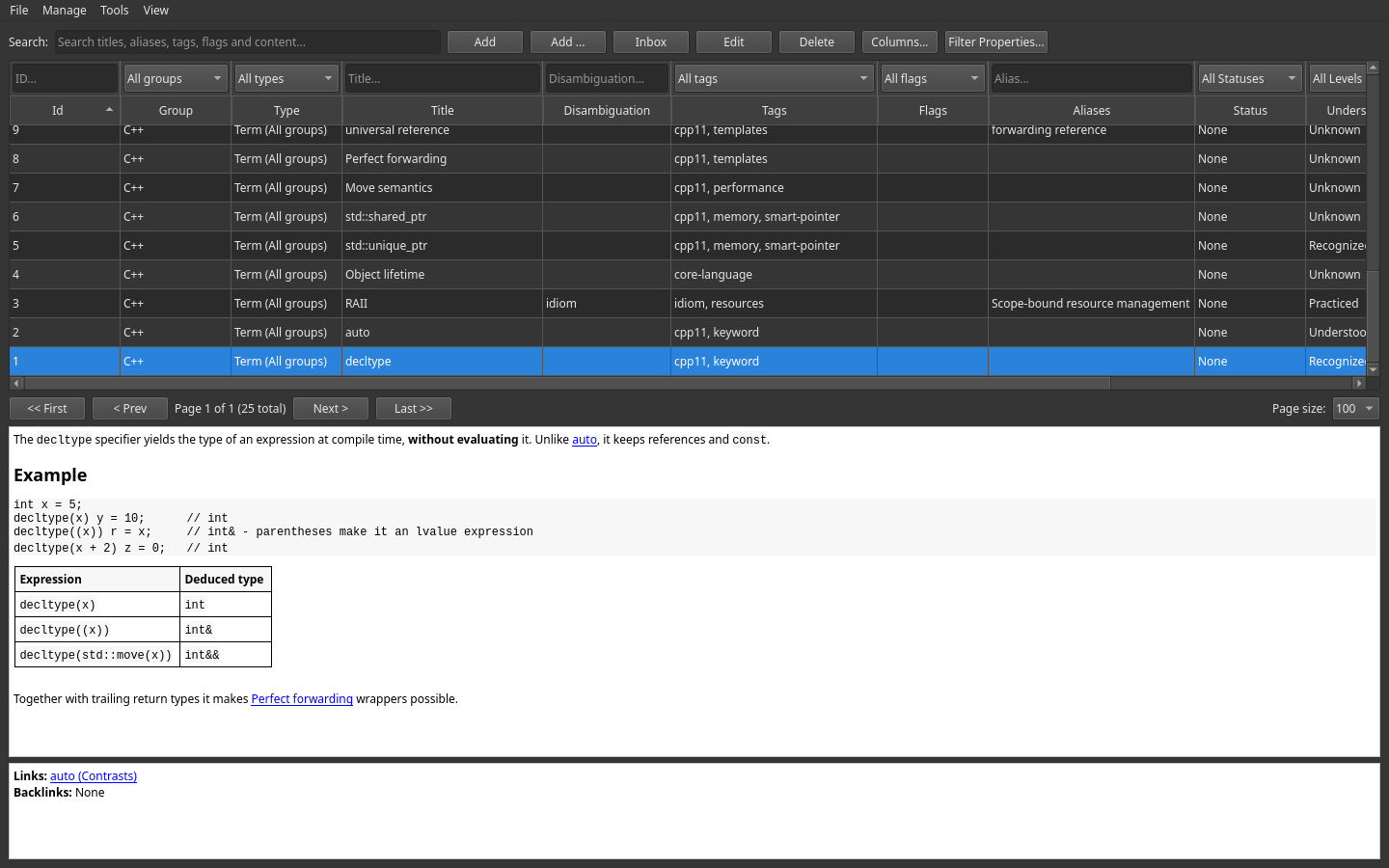
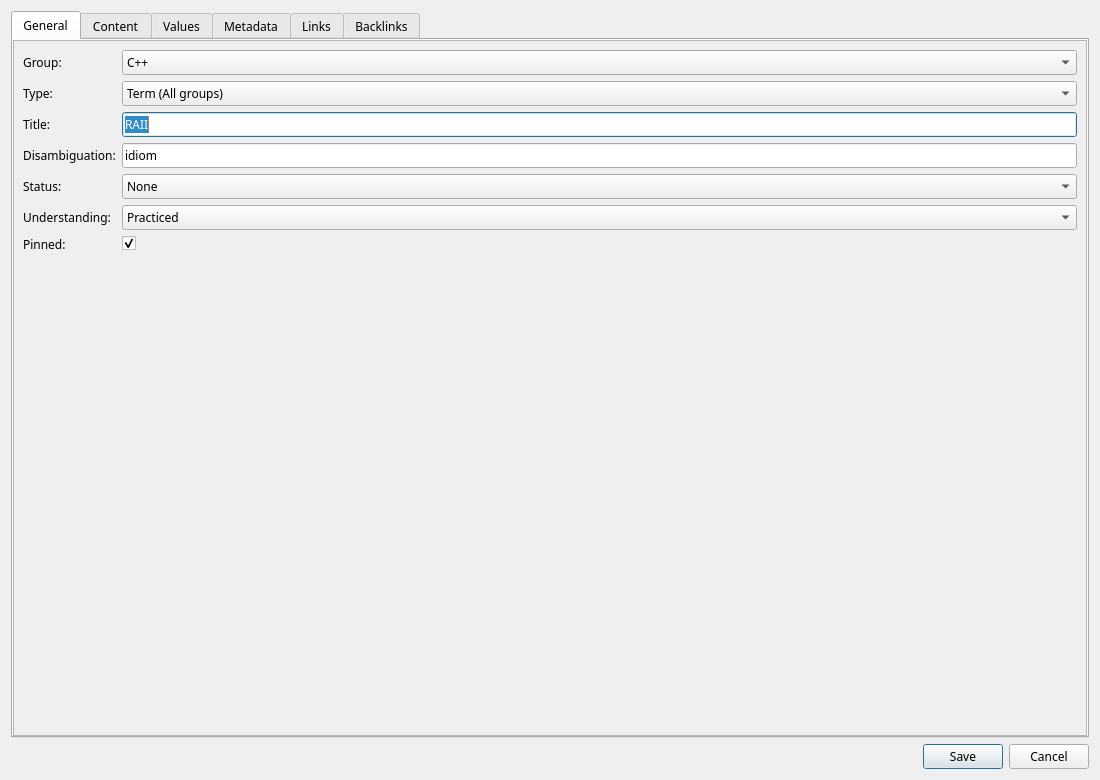
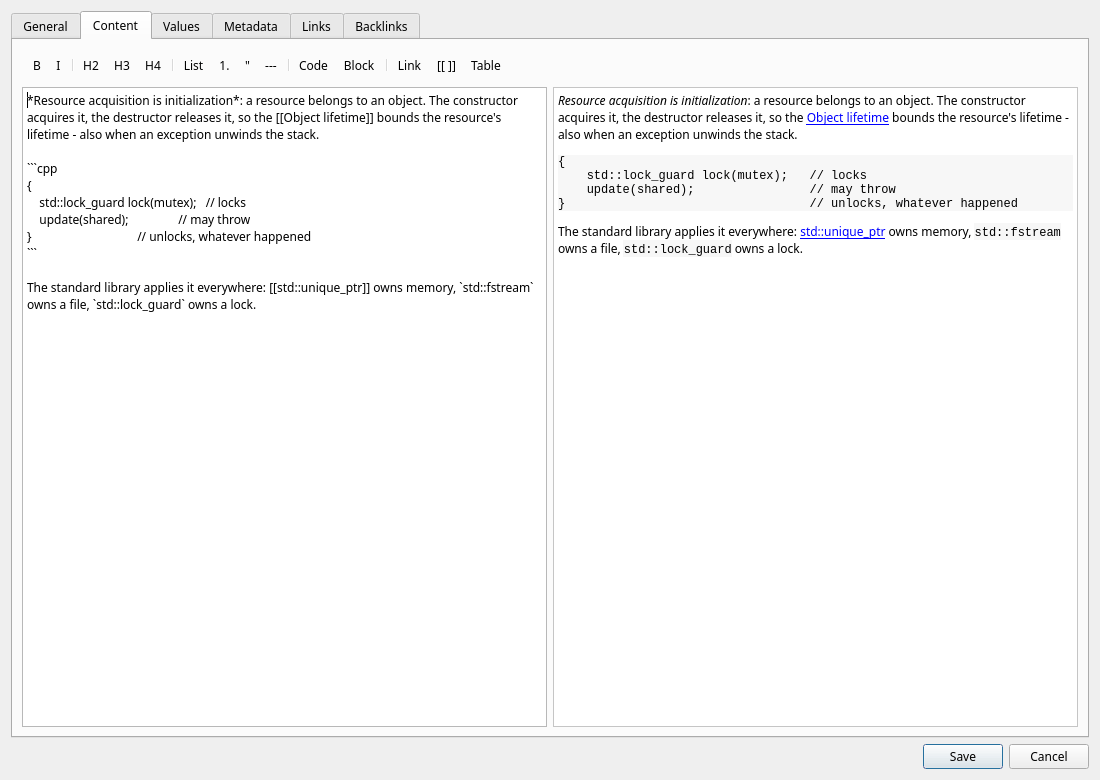
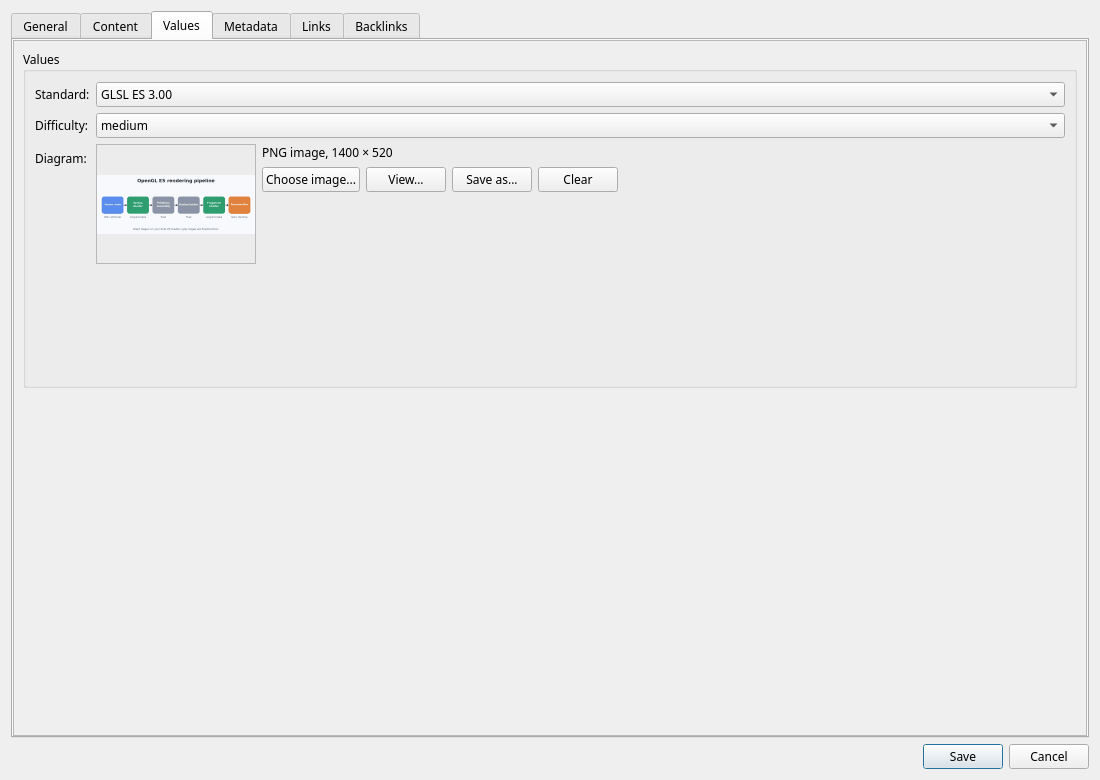
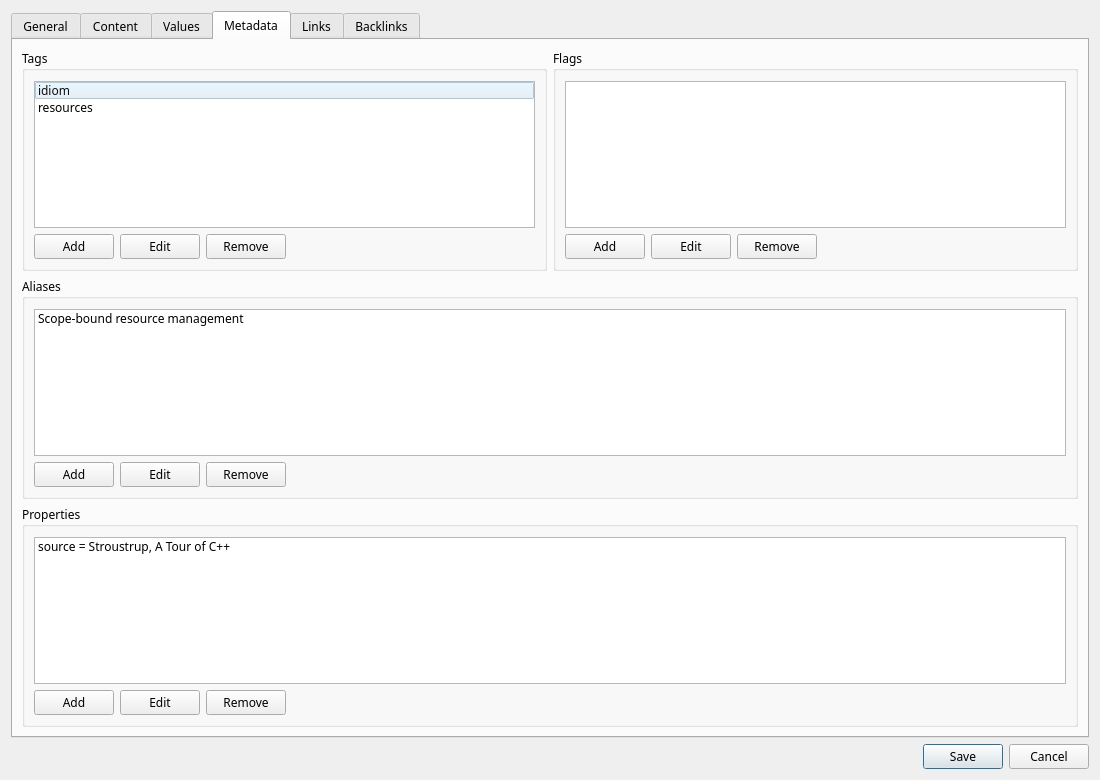
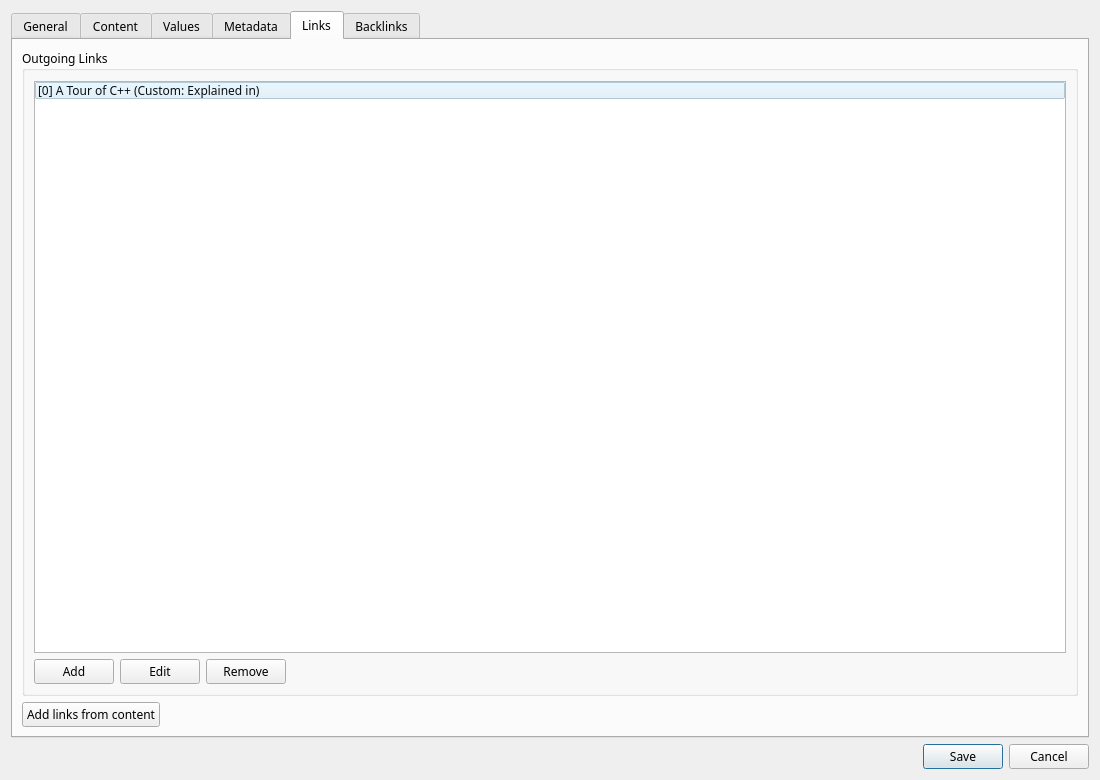
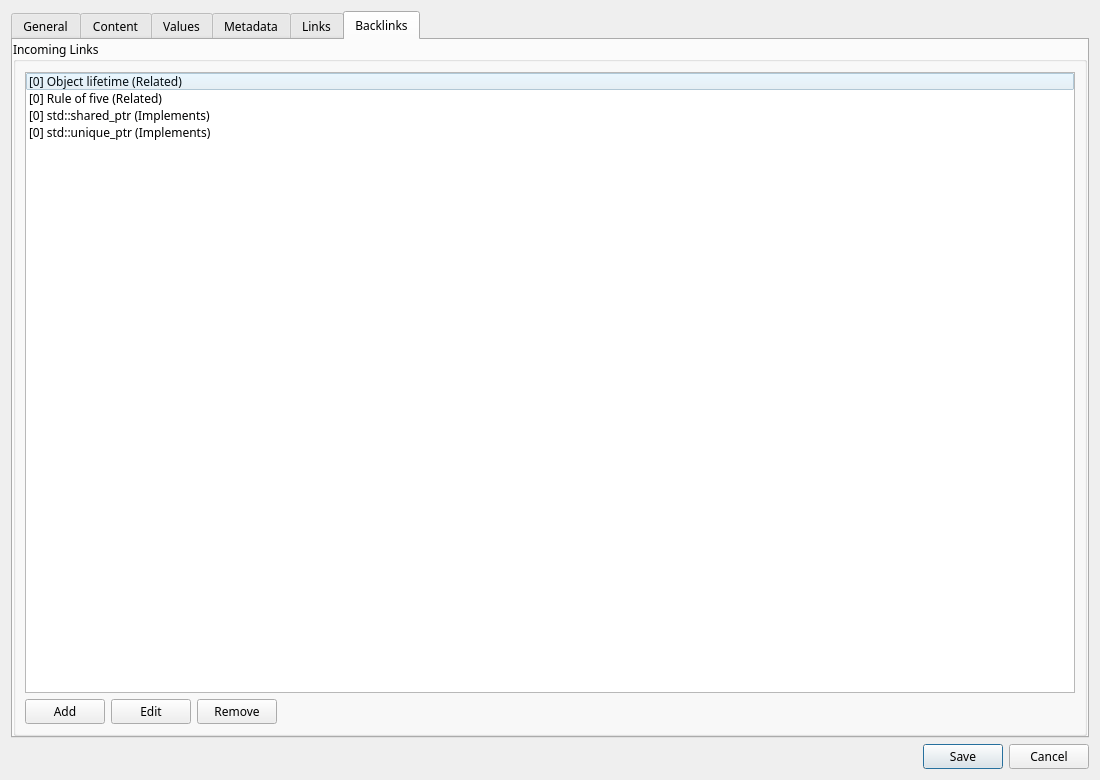
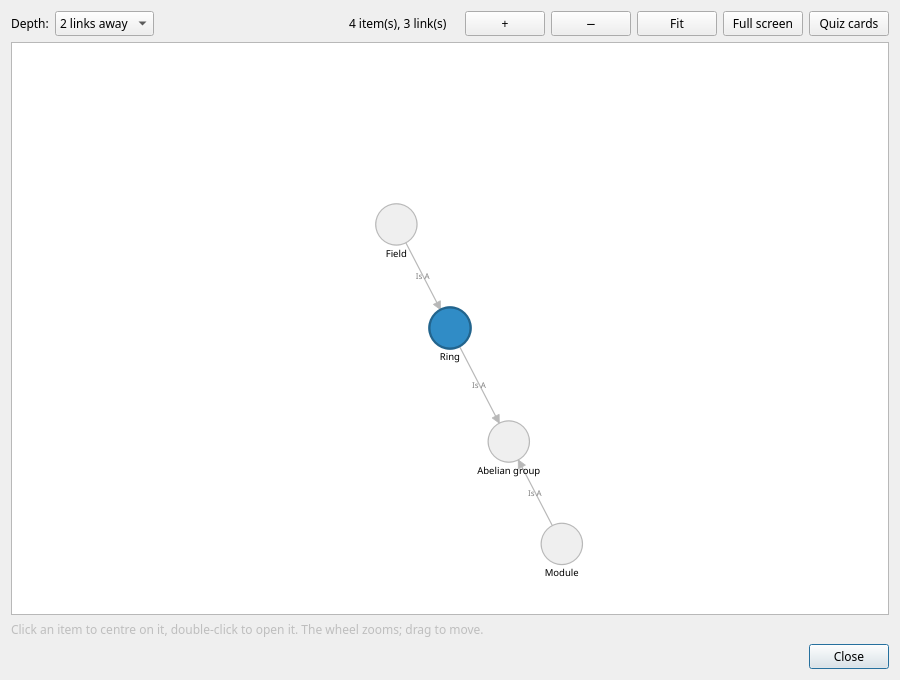
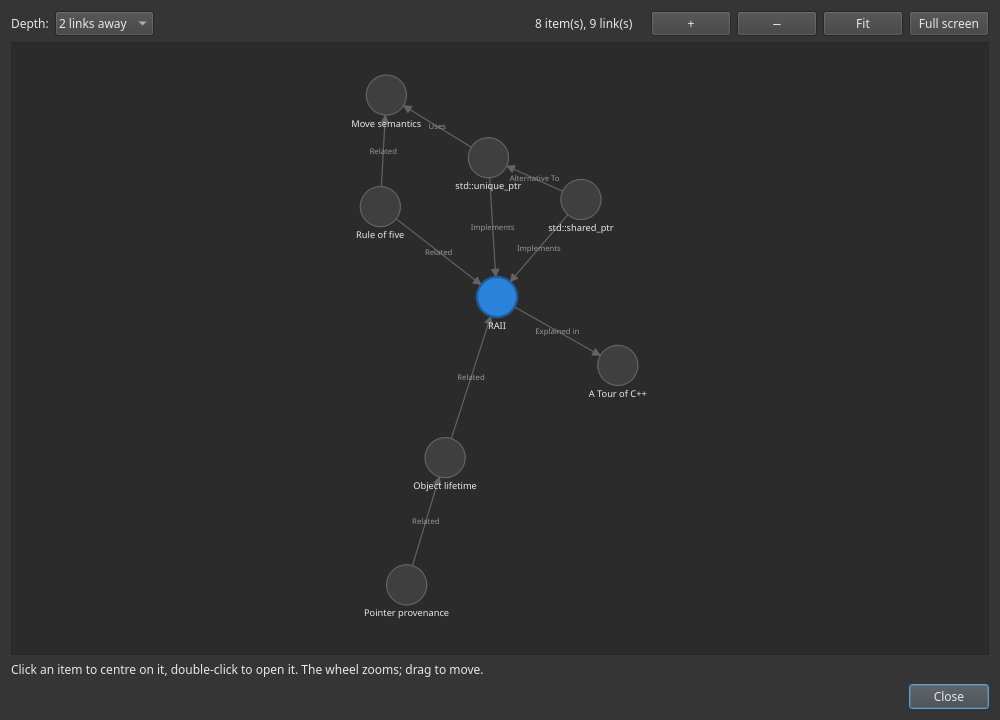
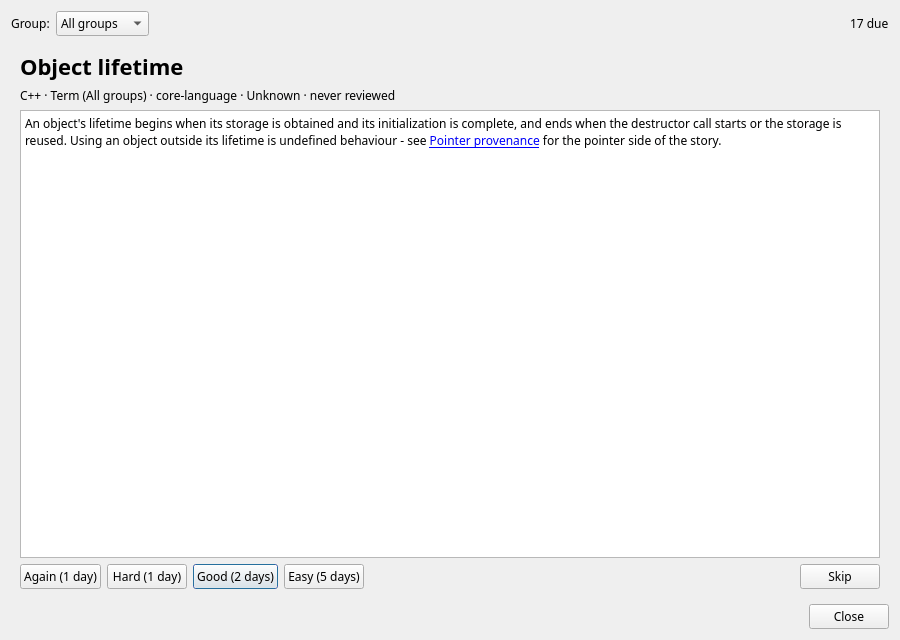
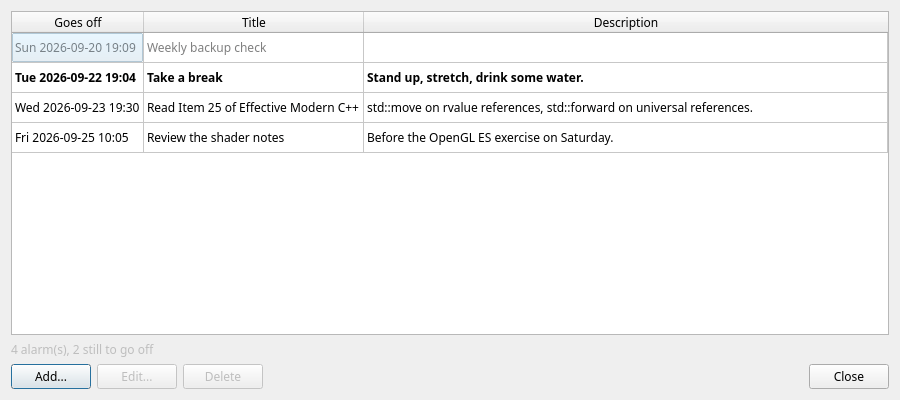
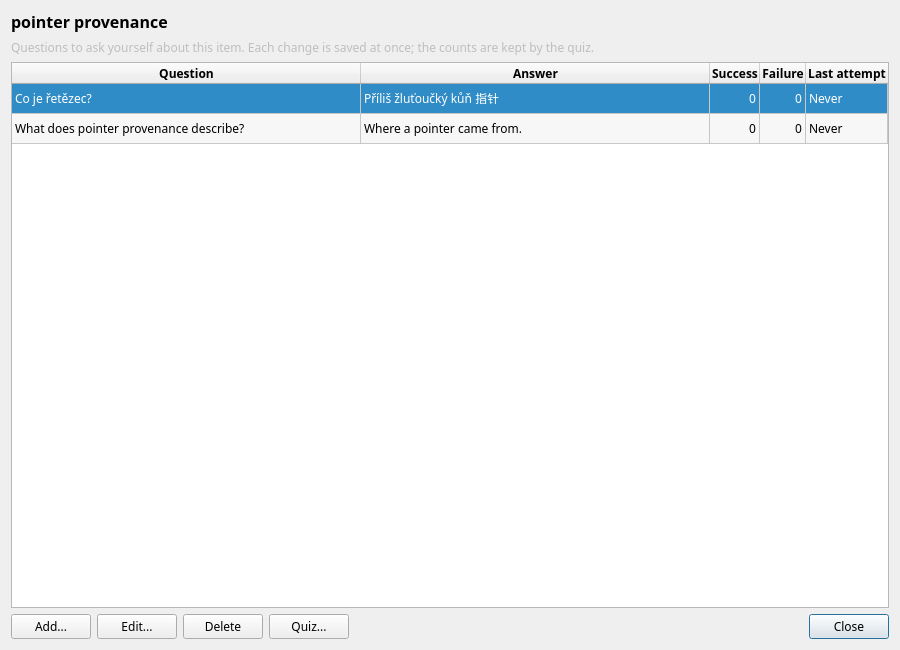
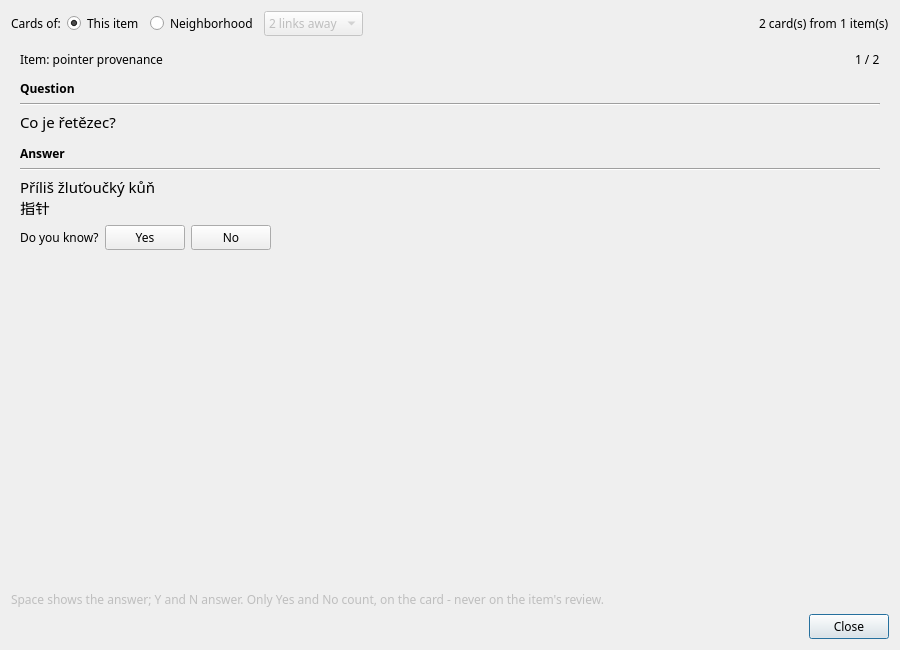
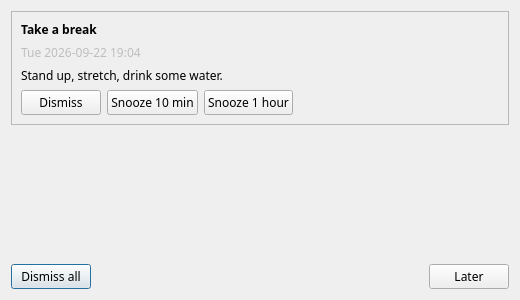
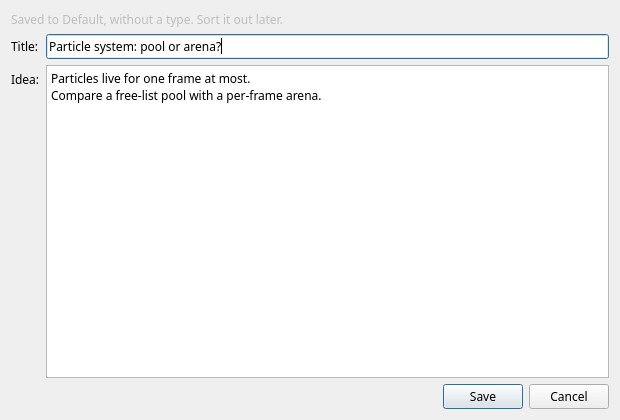
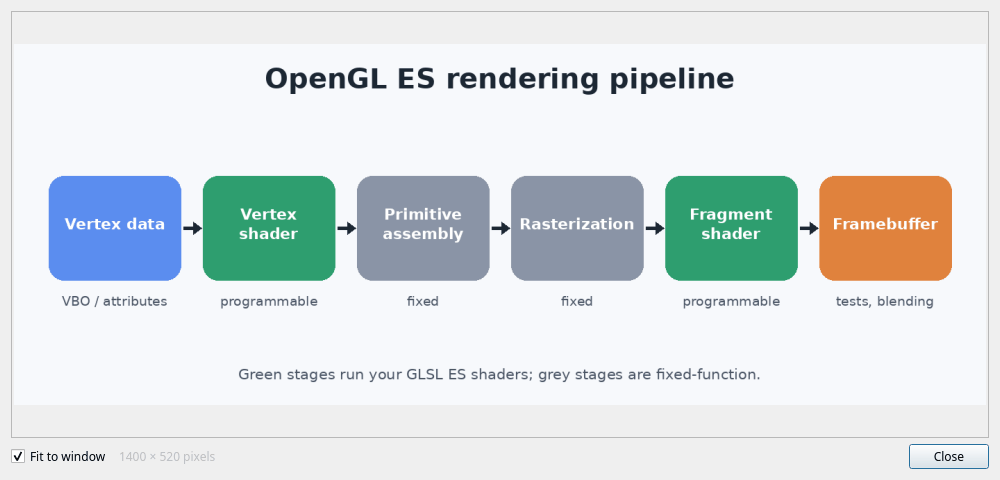
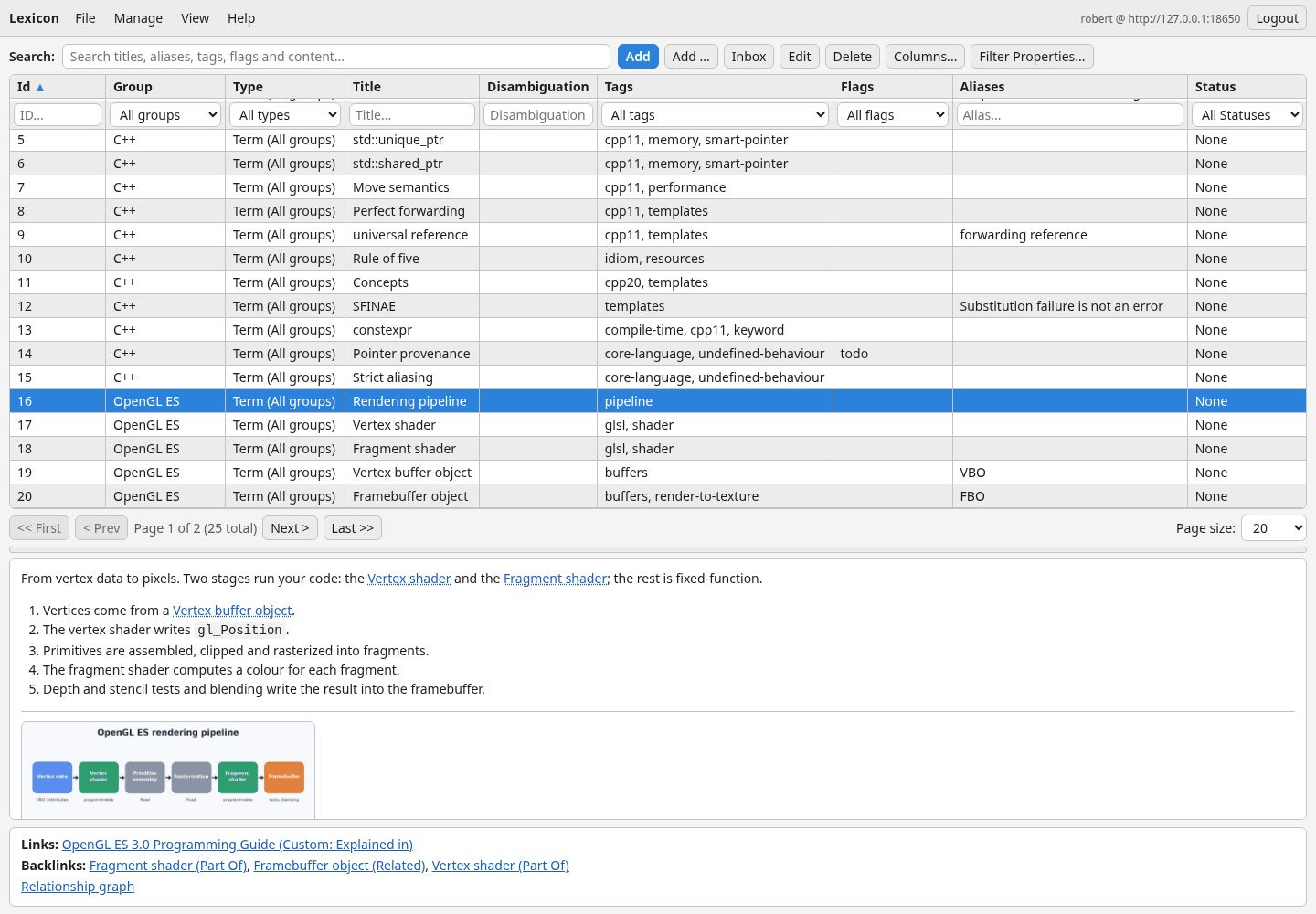
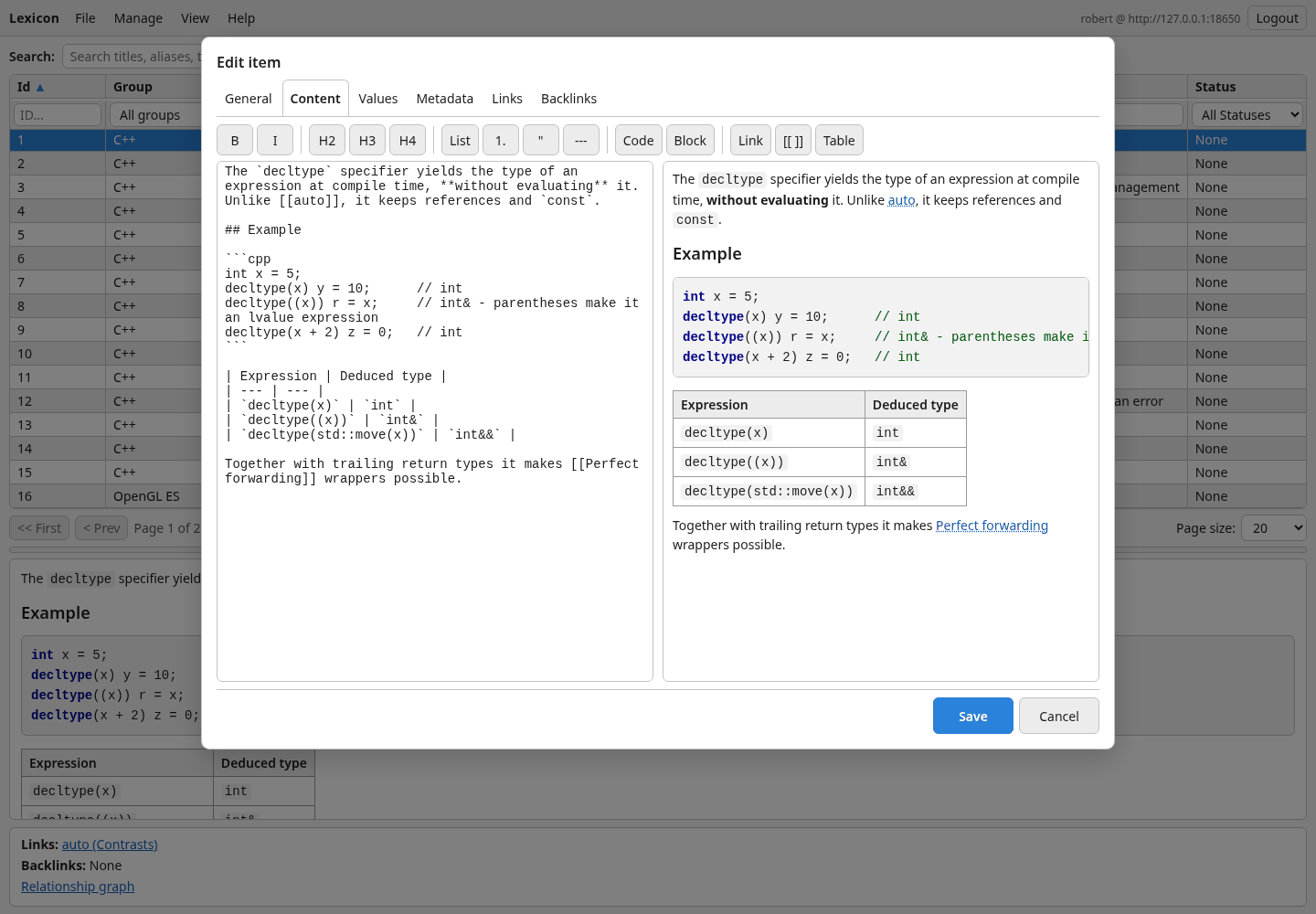
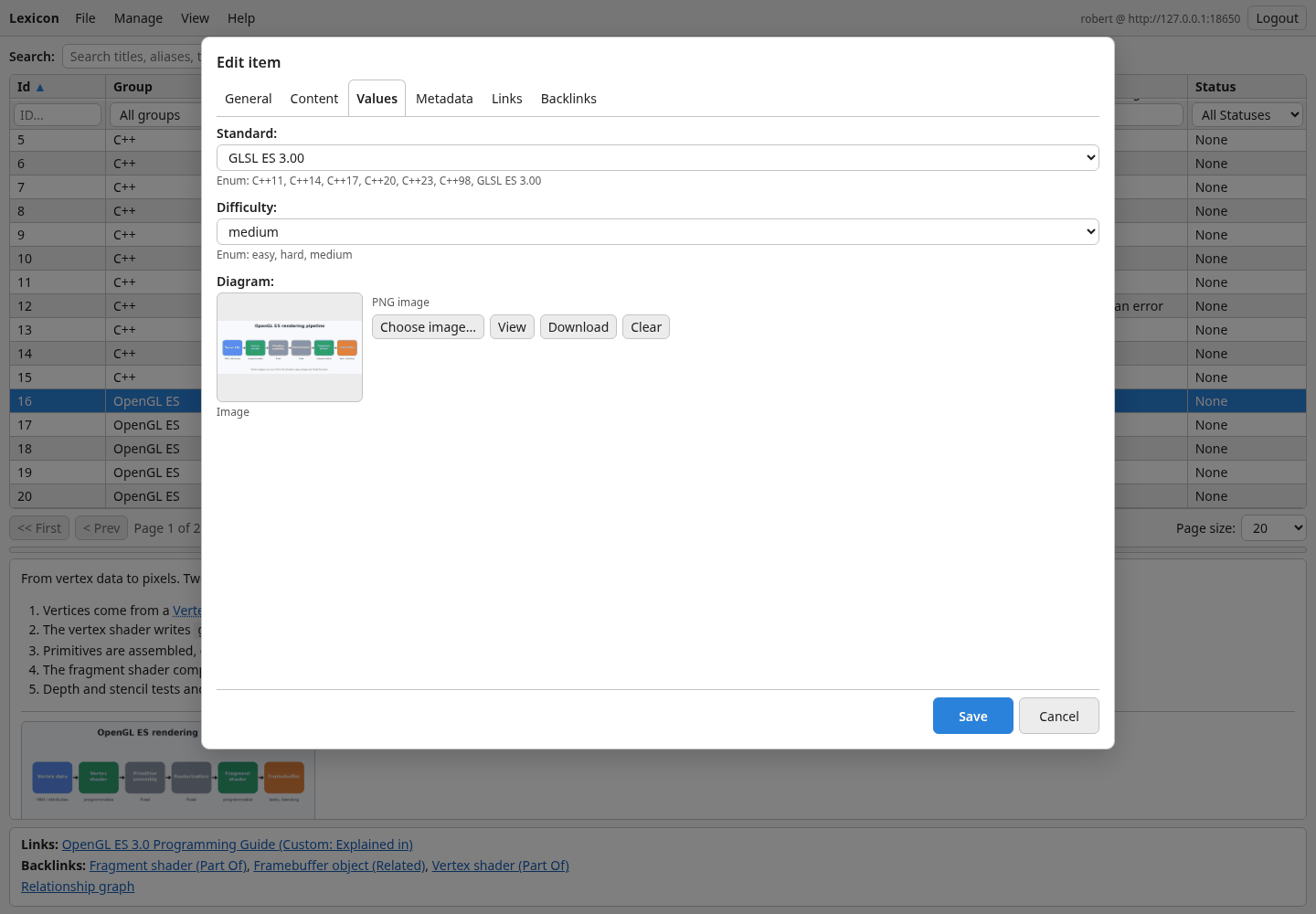
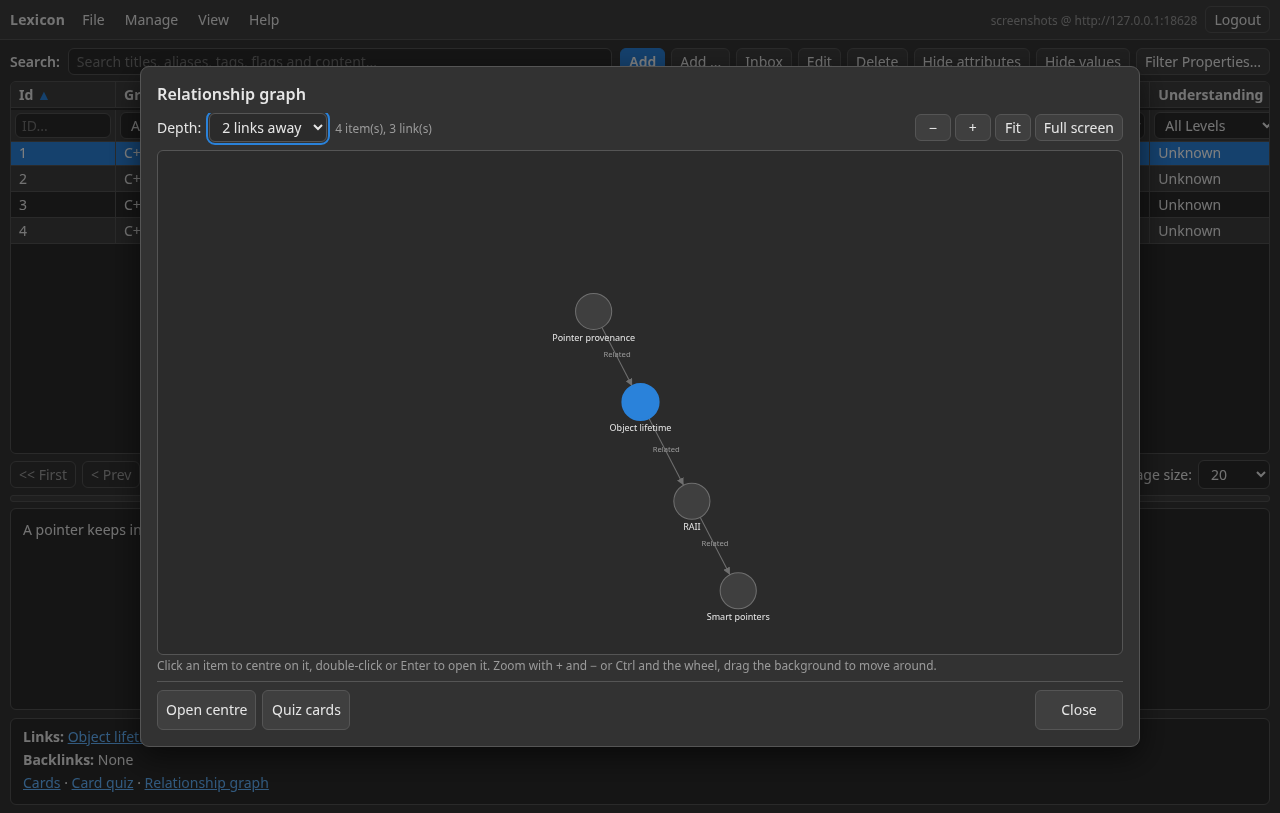
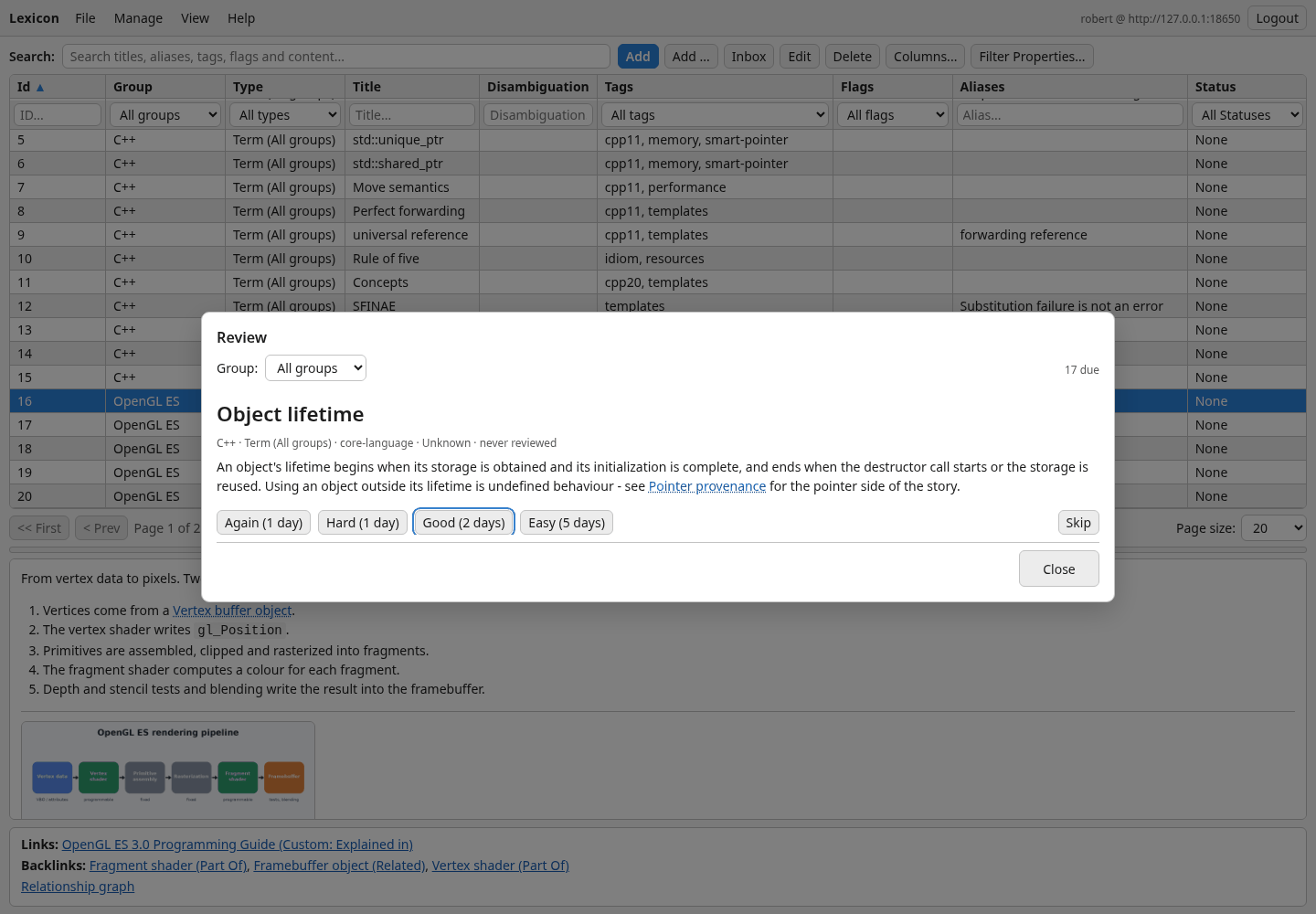
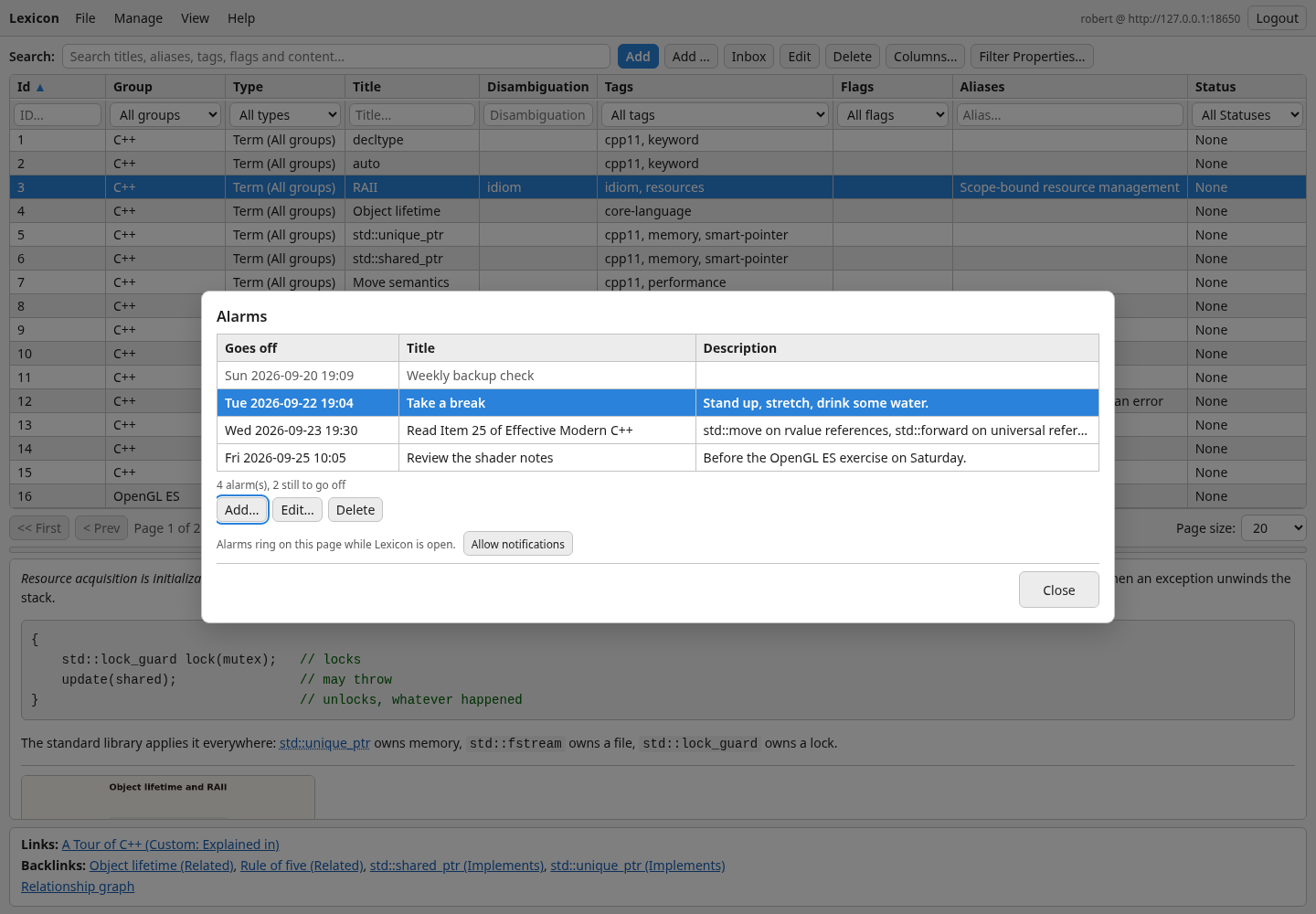
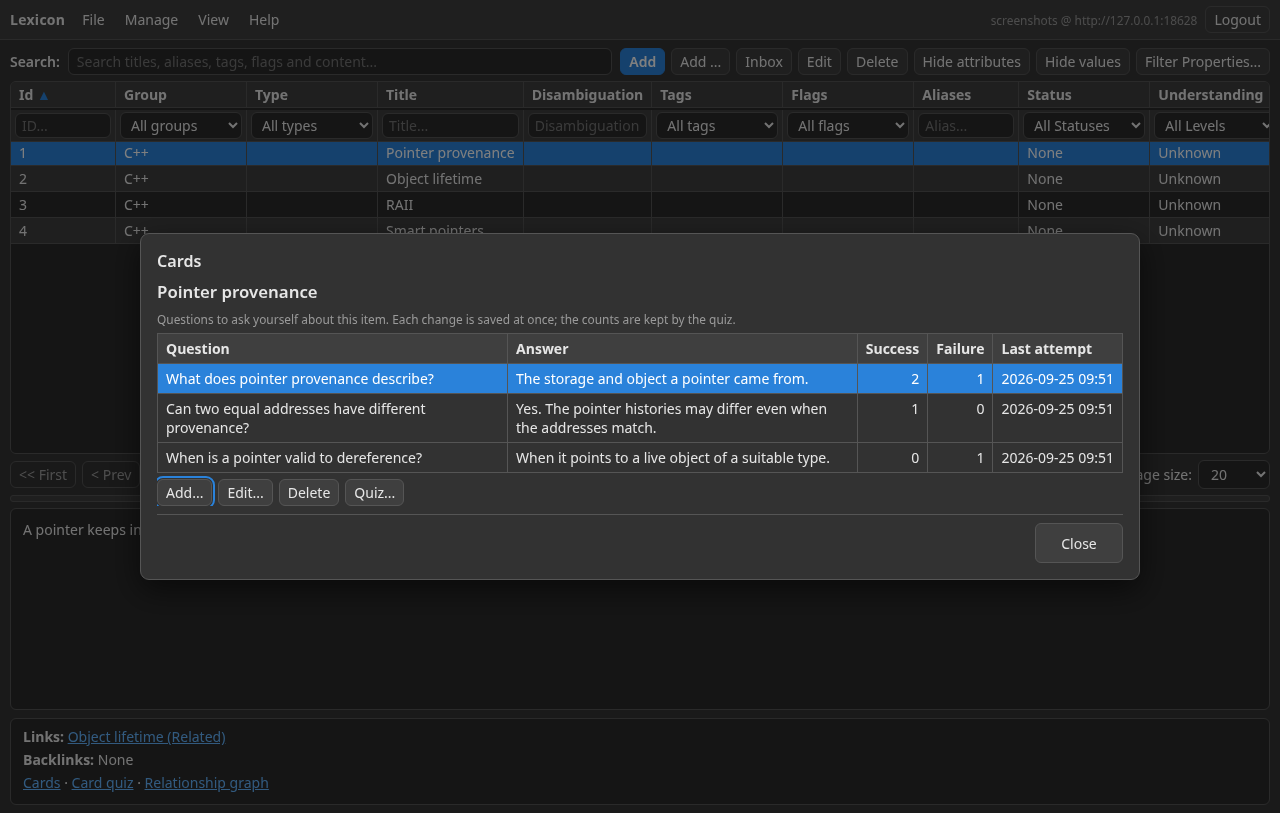
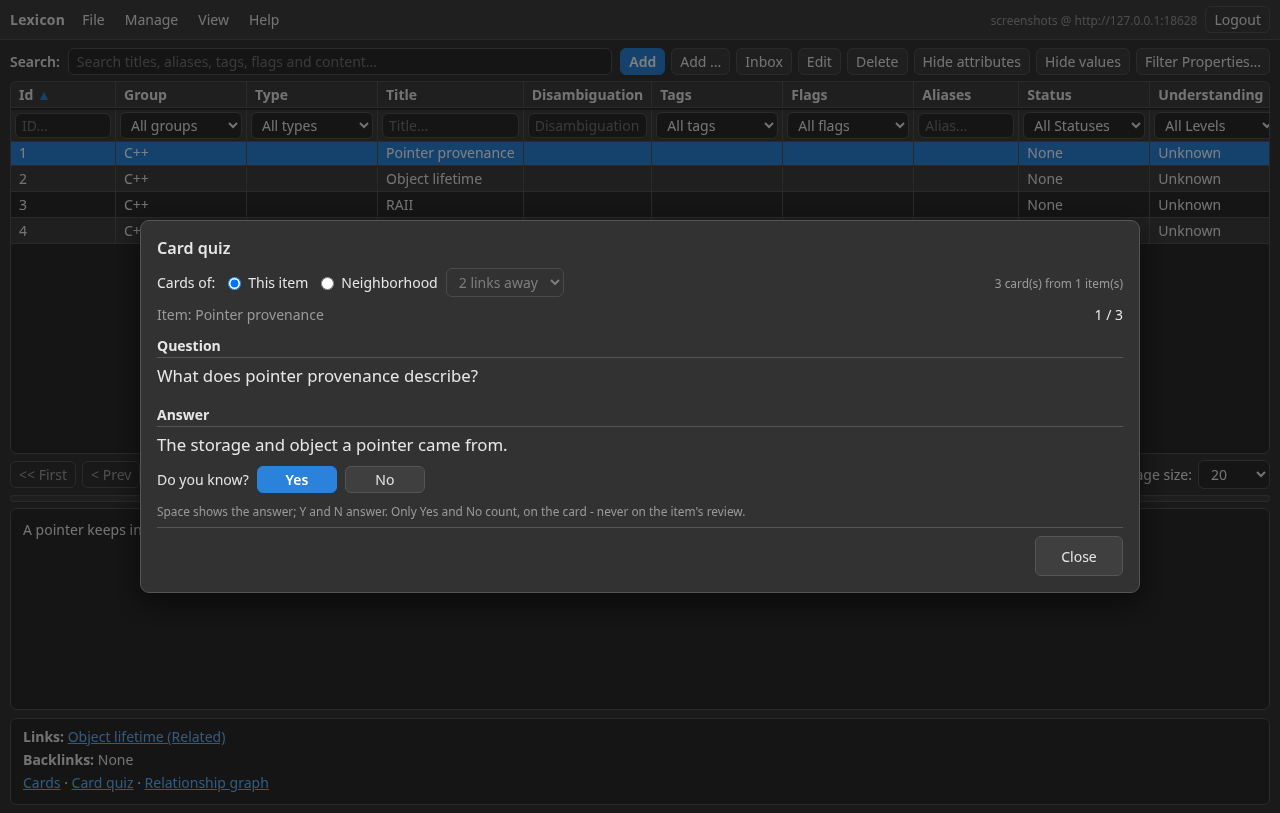
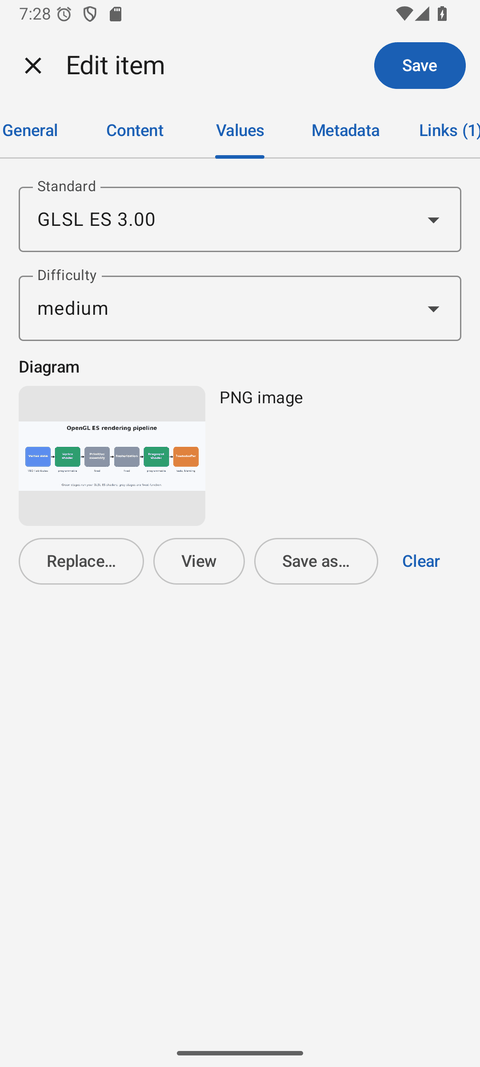
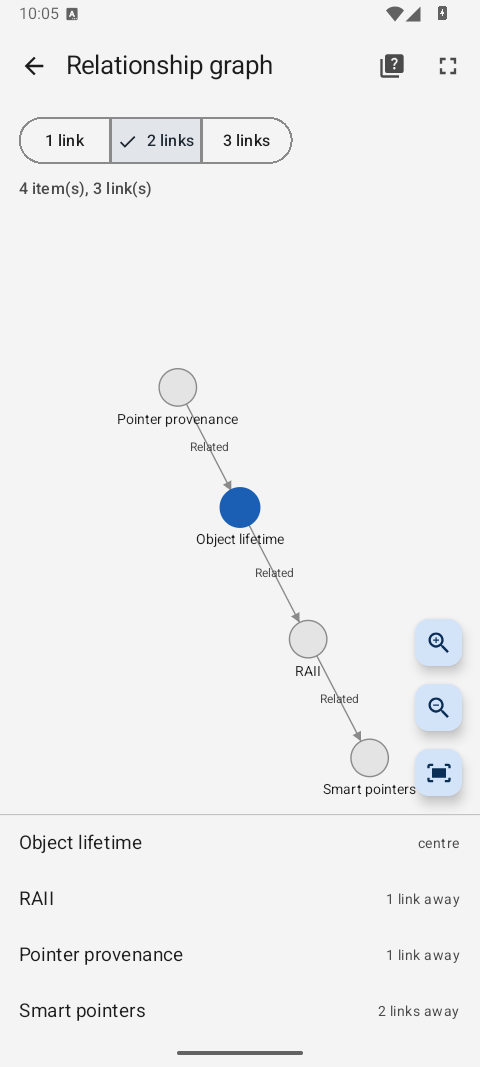
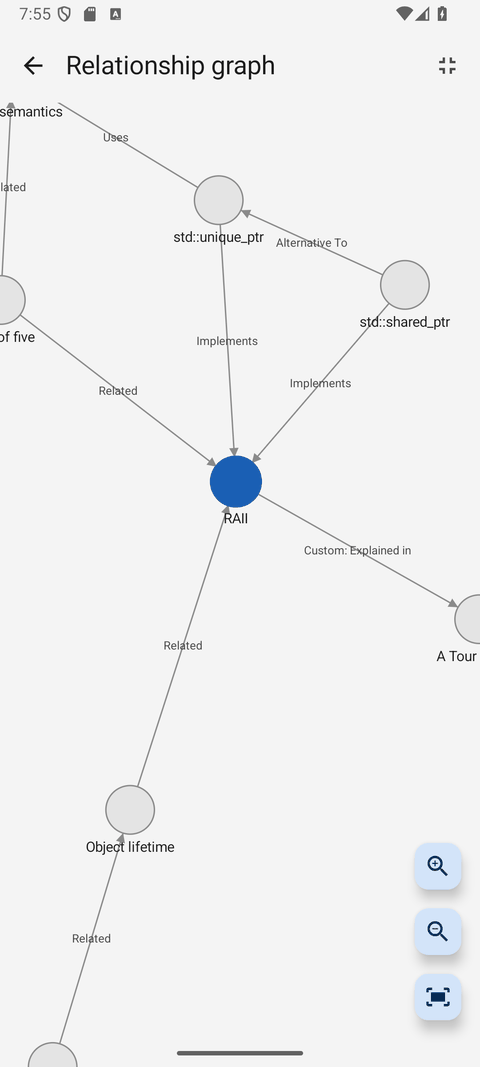
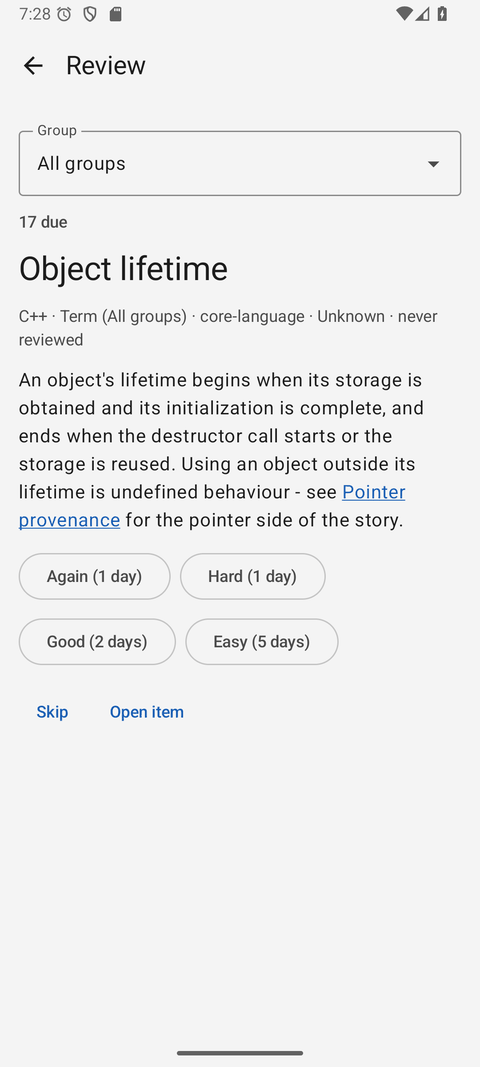
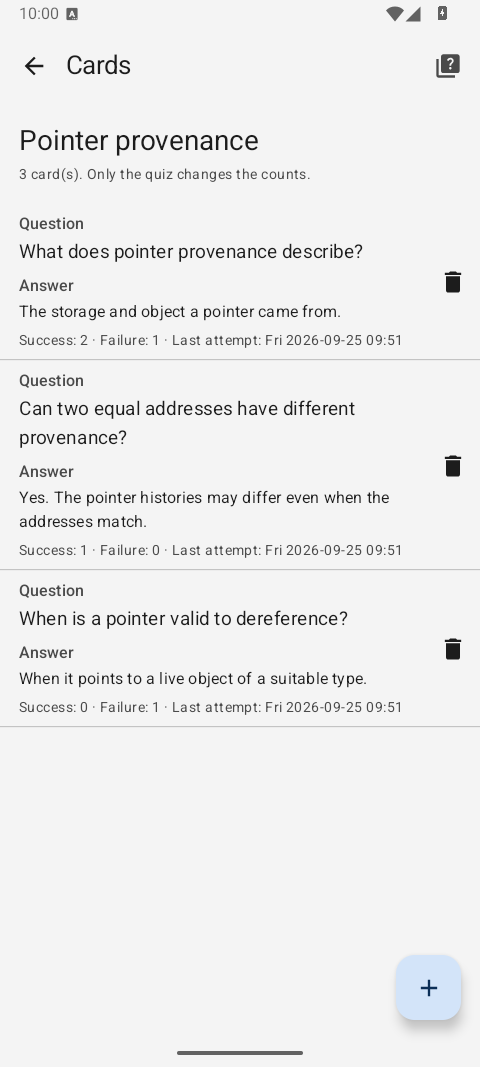
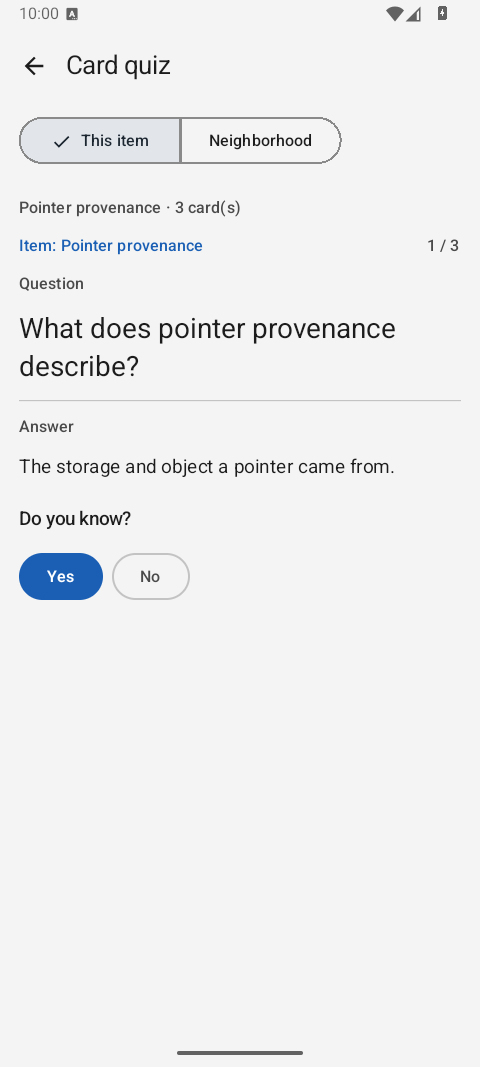
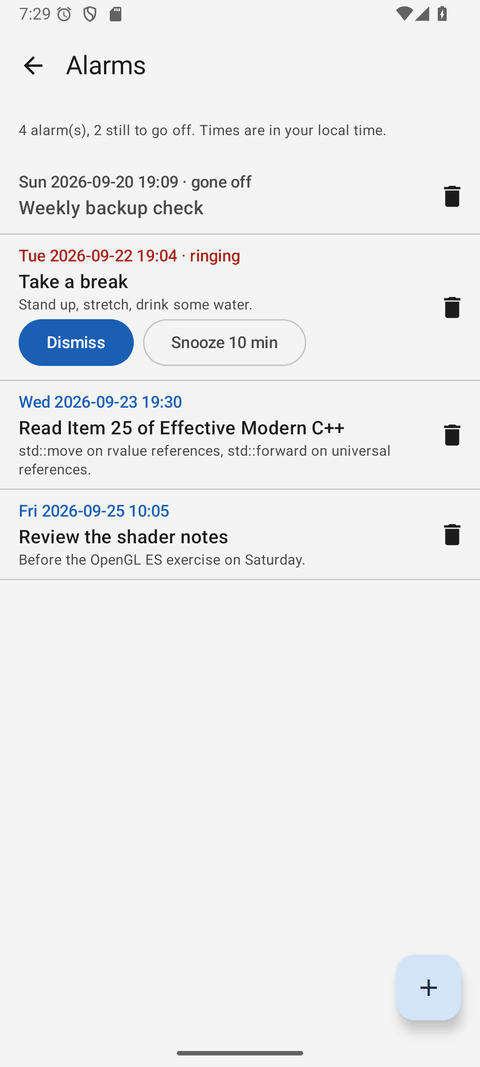
Main windowFilters above the column names, the item table, the rendered content with its images, and the links below it — all on one screen.Dark modeThe whole application switches from the View menu, and remembers your choice.Item editor — GeneralIdentity and state of an item: group, type, title, disambiguation, status, understanding level and pinned flag.Item editor — ContentMarkdown on the left, the rendered preview on the right, and a formatting toolbar above them.Item editor — ValuesThe fields of the item's type, including an image field with its thumbnail.Item editor — MetadataTags, flags, aliases and key/value properties, each with add, edit and remove.Item editor — LinksOutgoing typed relationships, and Add links from content for the names the text already mentions.Item editor — BacklinksWho points at this item — created from either end.Relationship graphThe active item stays in the middle. Zoom, fit, take the graph full screen or quiz its cards.Relationship graph, darkThe same graph after dark.ReviewWhat is due, one card at a time: the answer on request, then Again, Hard, Good or Easy.AlarmsEvery alarm in one list, the soonest first; the one still ringing is in bold.CardsQuestions and answers belong to an item; the quiz records successes, failures and the last attempt.Card quizReveal the answer, then choose Yes or No. Quiz one item or its relationship neighborhood.An alarm going offThe Alarm window stays on top until you answer it — dismiss it once and it stops ringing on every device.InboxA title and a few lines, saved to Default with the type Inbox. File it properly later.Image viewerAn image value at full size, fitted to the window when it opens.
Web client
Static HTML, CSS and JavaScript against LexiconServer — no build step, no framework.
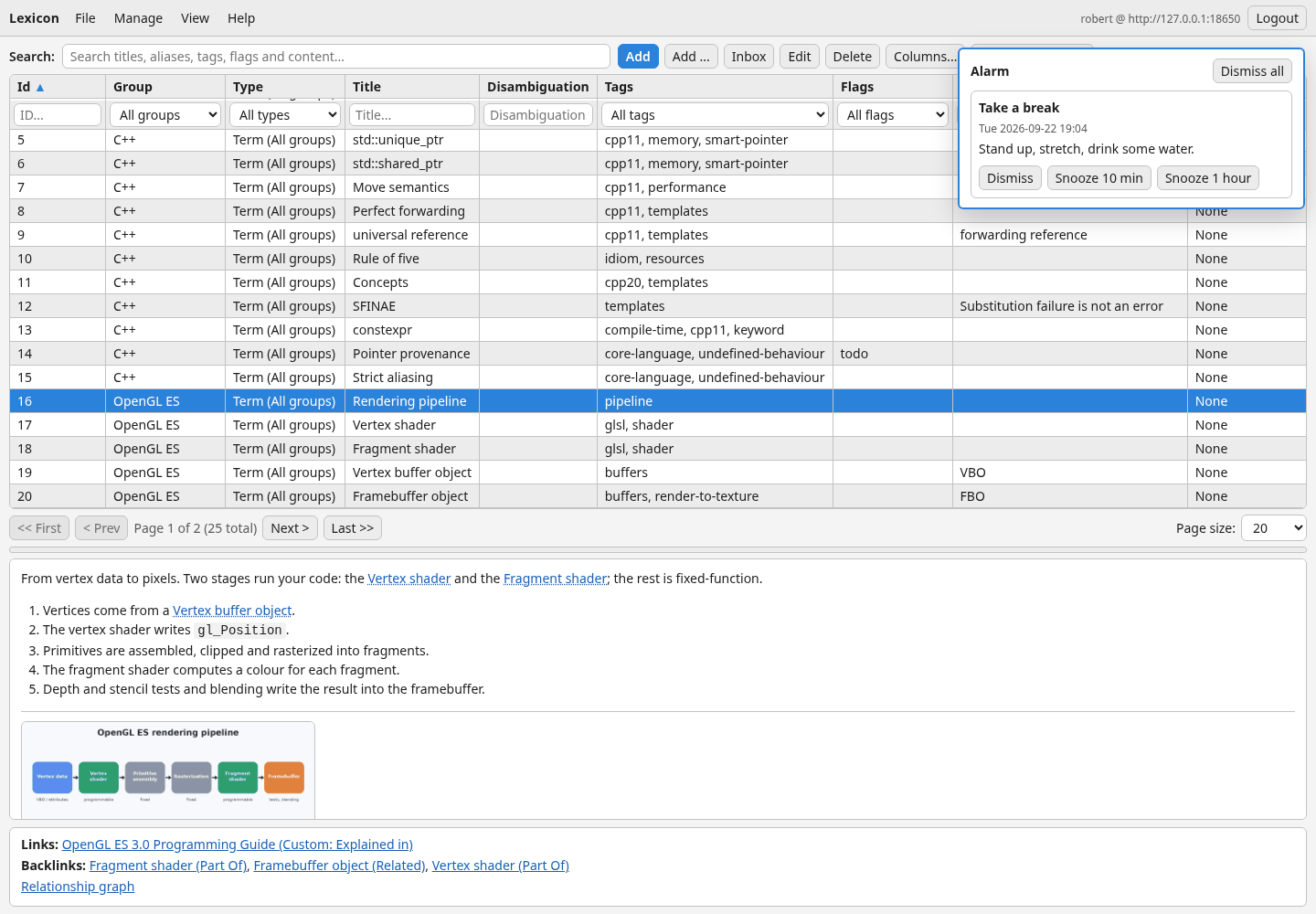
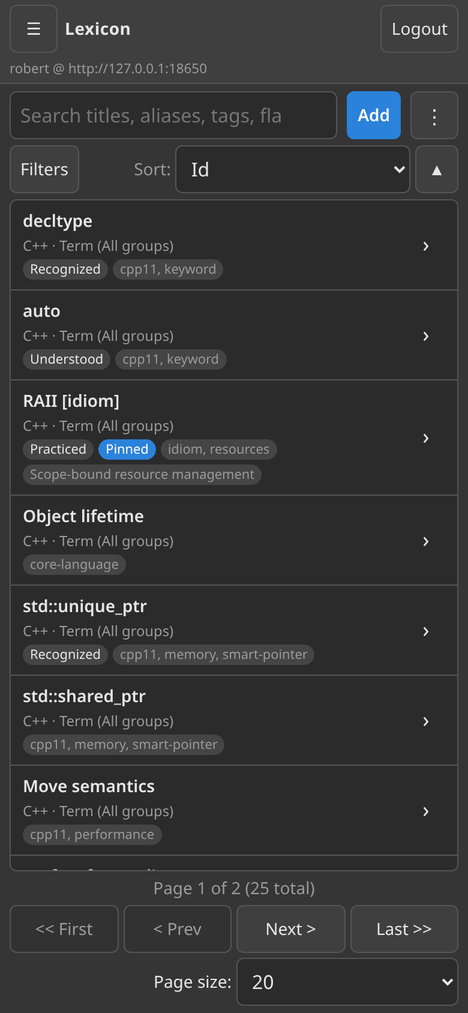
Web clientThe same screen in a browser: search, filters, the table and the content of the selected item.Web item editorThe editor with the same six tabs, Markdown and preview side by side.Values with an imageTyped fields in the browser, images included — choose, view, download or clear.Graph in the browserClick a node to centre on it; zoom with the buttons, keys or Ctrl and the wheel.Review in the browserThe same queue and the same ratings as the desktop.Alarms in the browserAdd, edit and delete alarms, and allow system notifications for them.Cards in the browserManage an item's questions and answers without leaving the browser.Card quiz in the browserChoose this item or a linked neighborhood, reveal the answer, then record Yes or No.An alarm in the browserA panel over the page, a short chime, and a system notification when the browser allows it.On a phoneBelow 860 pixels the client becomes a phone layout, with the secondary actions behind one menu.
Android app
Kotlin and Jetpack Compose, against the same server.
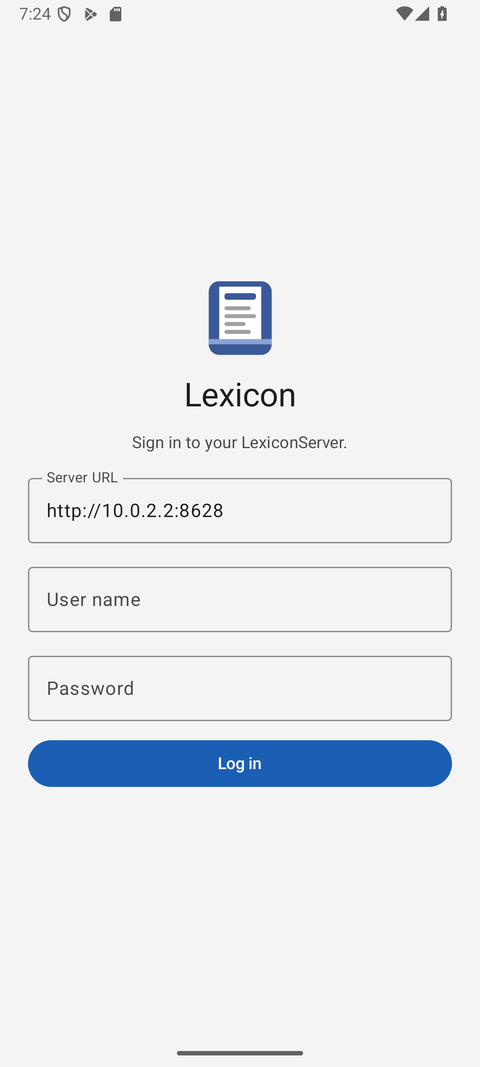
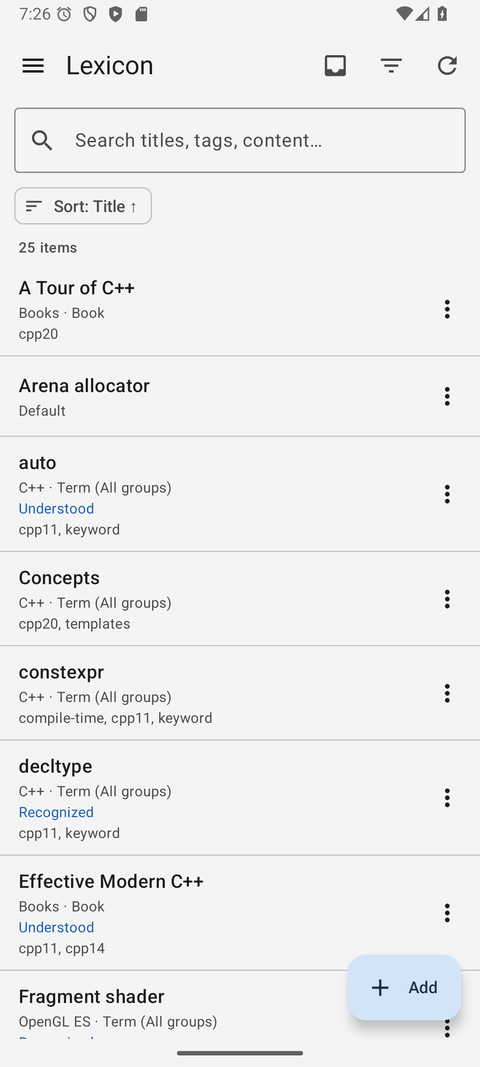
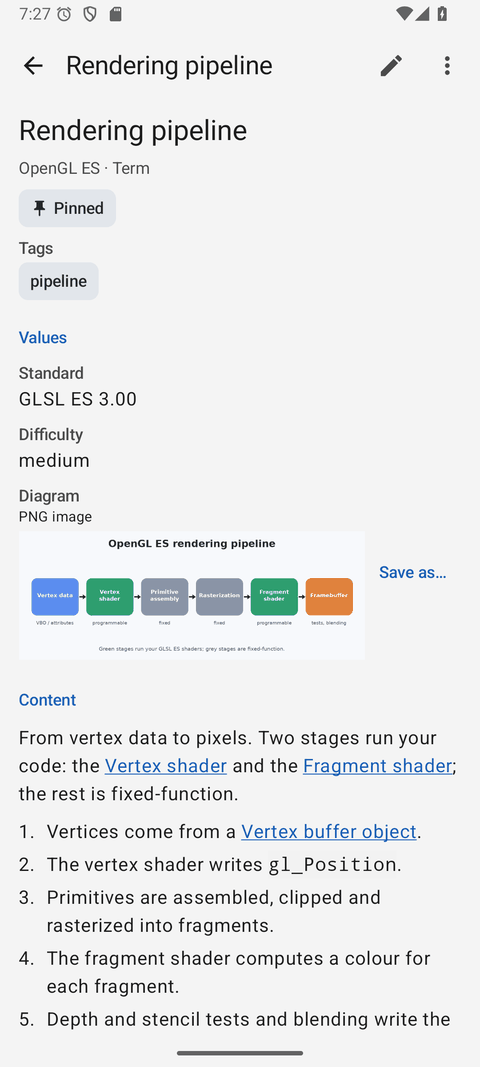
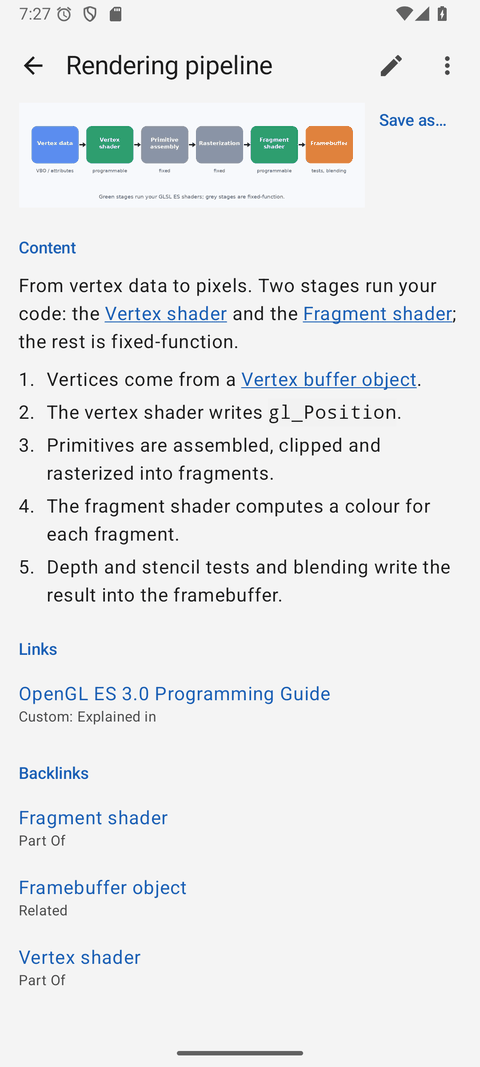
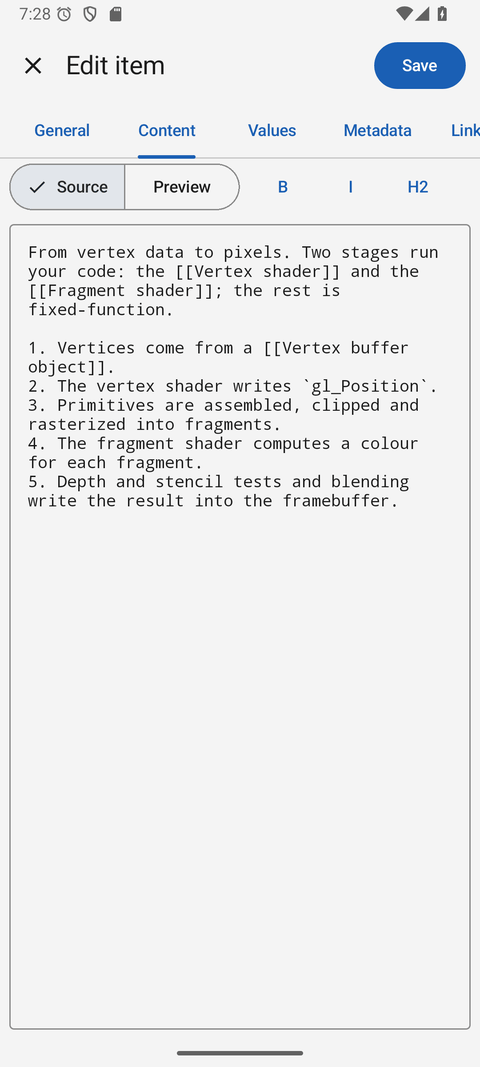
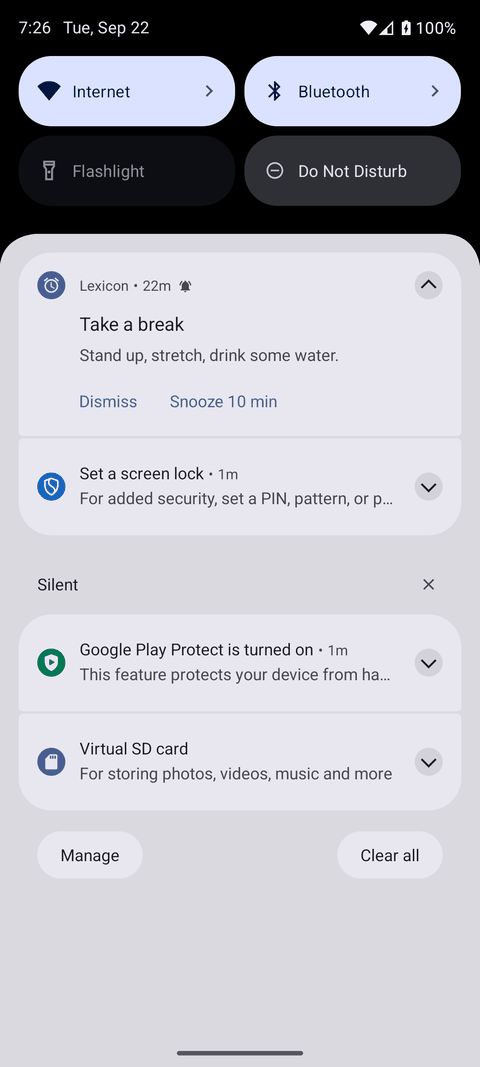
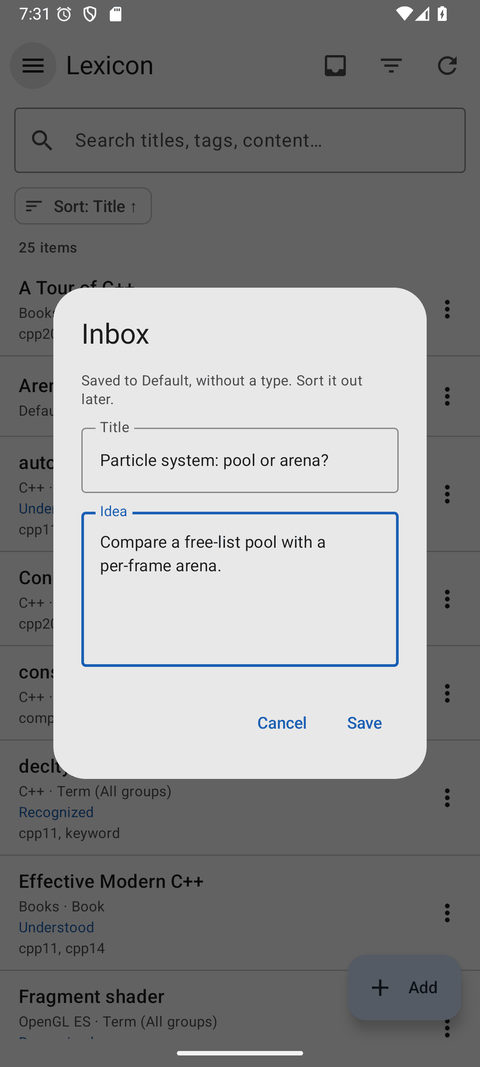
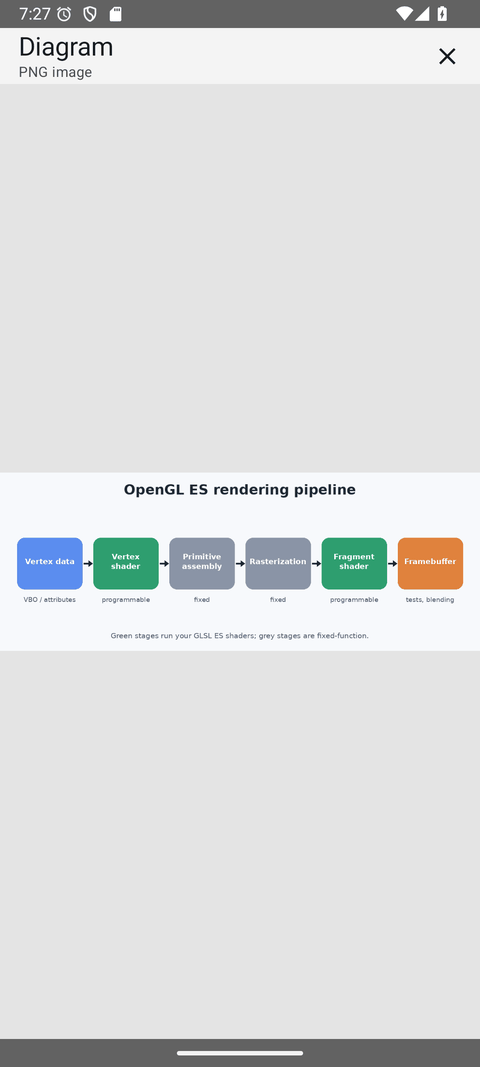
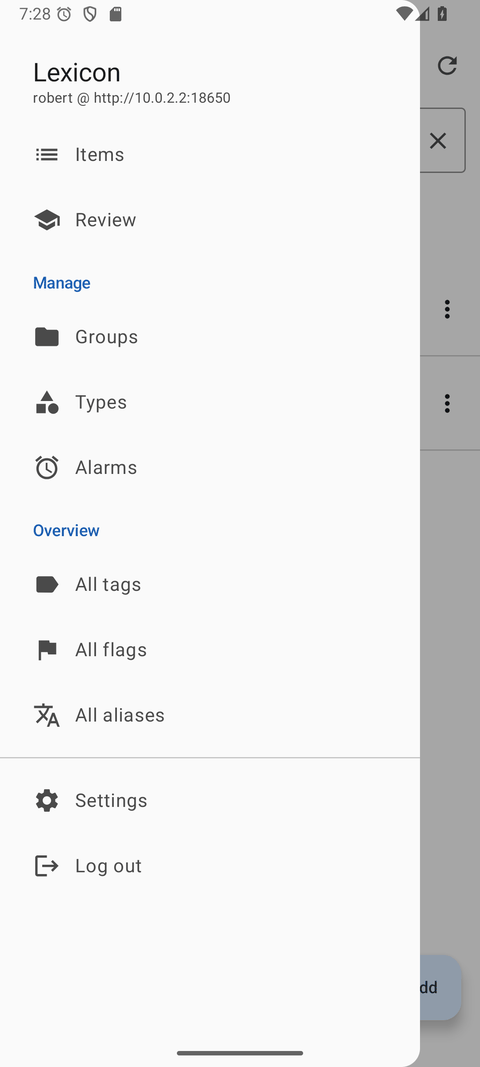
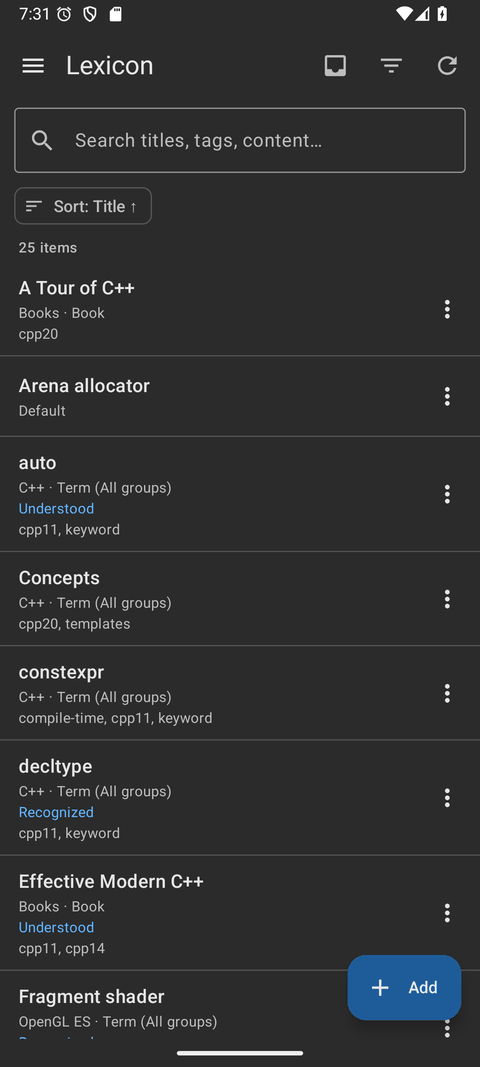
Sign inThe server address, once.ItemsServer-side search, filters and sorting.An itemValues, content and links.ImagesUnder the content, full size on a tap.Editor — ContentMarkdown with a preview.Editor — ValuesThe fields of the item's type.GraphSelect an item and choose Centre here; the active node stays in the middle.Graph, full screenThe whole screen for the graph.ReviewThe same queue on the phone.CardsQuestions, answers and attempt counts on the item page.Card quizThe same quiz on a phone, with this item or its neighborhood as the scope.AlarmsWith date and time pickers.A ringing alarmEven when the app is closed.InboxOffline too — sent when the server is back.Image viewerPinch to zoom.DrawerEverything one tap away.Dark modeThe app follows the phone.An item, darkThe same item after dark.