
User Guide
Welcome! This guide takes you from installing Lexicon to running a well-organized, interlinked knowledge dictionary.
What is Lexicon?
Lexicon is a free, open-source application for structured learning and technical note-taking. Instead of a folder full of loose notes, you build a personal dictionary of items, organized into groups, enriched with metadata, and connected by typed links that form a concept graph.
Data is stored locally in a SQLite file, with optional attachments in an adjacent directory — no account, no cloud, no telemetry. You own your knowledge.
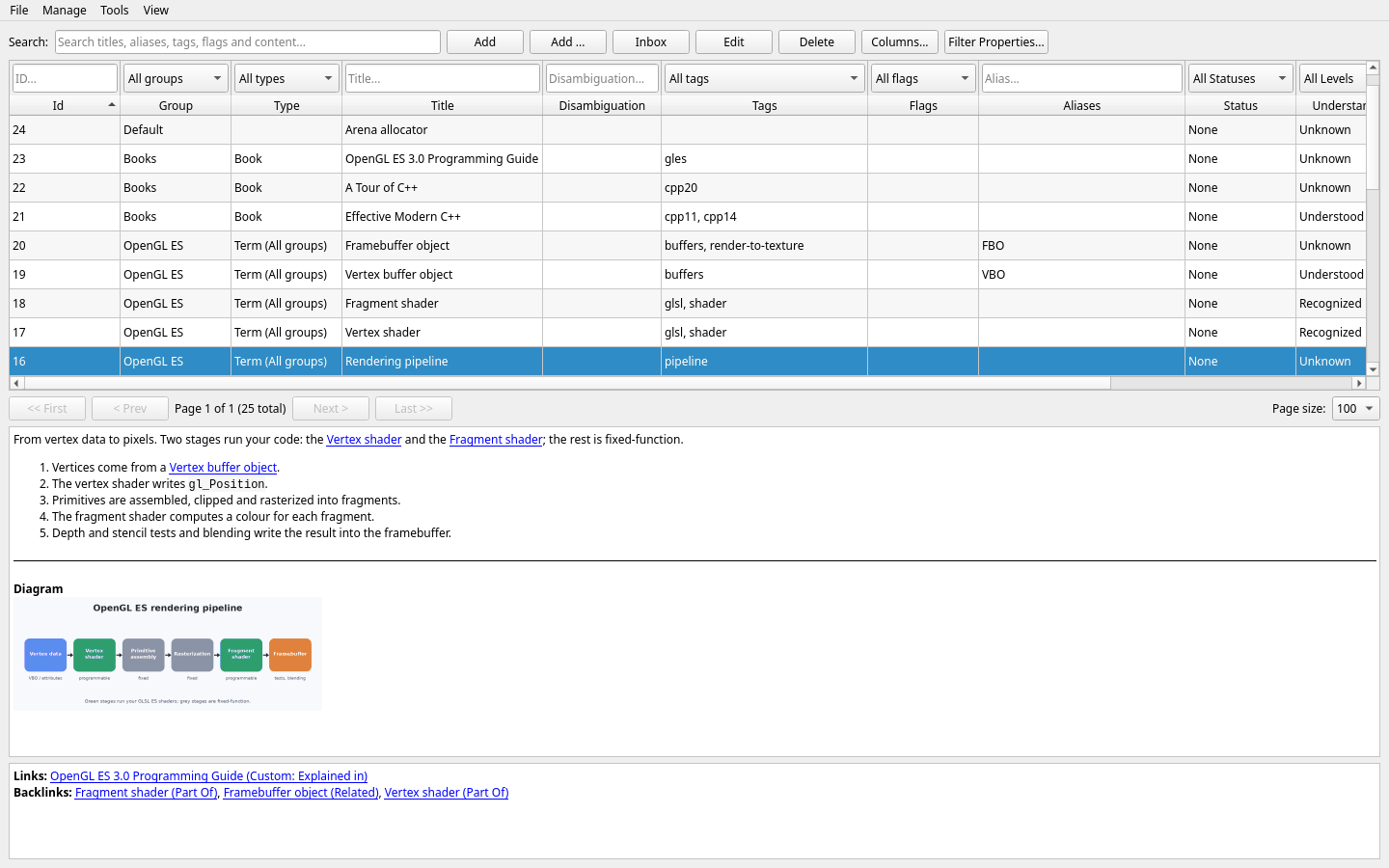
There are three clients over one dictionary: the Qt desktop application, which opens the database file directly, and a web client and a native Android app, which talk to LexiconServer next to that same file. What you write in one shows up in the others — including reviews, cards, alarms, the Inbox and the shared Board. Desktop and web additionally provide Mass Insert for creating a batch in one recoverable worksheet.
Core concepts
Five ideas are enough to understand the whole application:
| Concept | What it is | Example |
|---|---|---|
| Group | A top-level bucket that groups related items. | C++, Databases, Networking |
| Item | A single concept with a title, Markdown content, and metadata. | Move semantics, B-tree index |
| Tag / Flag | Labels for classification (tags) and workflow markers (flags). | Tags: cpp20, templates · Flags: review, needs-example |
| Alias | An alternate name or synonym that also matches in search. | RAII for Resource Acquisition Is Initialization |
| Link | A typed relationship between two items (with automatic backlinks). | std::vector — Is A → container |
Review brings due items back on a schedule, while cards let you quiz yourself on specific questions. Alarms ring in every client, the Inbox catches an idea before it is gone, and named shared Boards keep living Markdown overviews close at hand.
Quick start checklist
- Install and launch Lexicon. The database file is created automatically on first start.
- Organize your groups via
Manage → Groups.... ADefaultgroup is ready when you start. - Add a few items with the
Addbutton and fill in their titles. - Use Mass Insert for a batch — choose one Group, an optional Type and fill several rows safely.
- Write content in Markdown in the Content tab and watch the live preview.
- Connect related items with typed links to grow your concept graph.
- Review what you wrote — the items due now, one card at a time.
- Quiz yourself with cards — questions about an item or its linked neighborhood.
- Set up a backup habit — copy the database and its adjacent blobs directory, or let the server back it up for you.
Guide chapters
Study Plan schedules books, courses and practice by weekday and shows today’s target.
📦 Installation
Requirements, building on Debian/Ubuntu, Windows, and macOS, and what happens on first launch.
🚀 Getting started
Create groups, explore the main window, and add your first items the recommended way.
✍️ Editing items
The item editor in depth: General fields, Markdown content, Type values and metadata.
🧾 Mass Insert
Create many items in a desktop or web worksheet with optional Type values and a resumable local draft.
🔗 Links & relationships
Build a concept graph with typed links and backlinks — Is A, Part Of, Depends On, and more.
🔎 Search & navigation
Search, filters, sorting, pagination, global overviews, and switching between light and dark mode.
🎓 Review
Spaced repetition over your own items: what is due, the answer on request, and four ratings.
🧩 Cards & quiz
Write questions and answers for an item, then quiz yourself on it or its linked neighborhood.
⏰ Alarms
Reminders that ring on the desktop, in the browser and on the phone — until you dismiss them.
📥 Inbox
Catch an idea in one step, even without a connection, and file it properly later.
📋 Boards
Create, name, read and edit shared Markdown dashboards from the desktop, browser or Android app.
🖧 Server, web & Android
Run LexiconServer and use the same dictionary from a browser and from your phone.
🛟 Backup & troubleshooting
Where your data lives, how to back it up, deletion safety rules, and fixes for common problems.