
Review
Writing something down is the easy half. Review takes the items you already have and brings each one back just before you would have forgotten it — one card at a time, with a rating that decides when you see it again. Cards ask narrower questions about an item, in a quiz of their own.
Start a review
| Client | How to open it |
|---|---|
| Desktop | View → Review... (Ctrl+R) |
| Web client | View → Review... |
| Android | Review in the navigation drawer |
The Group box at the top limits the sitting to one group — useful when you have half an hour and want it all to go into C++.
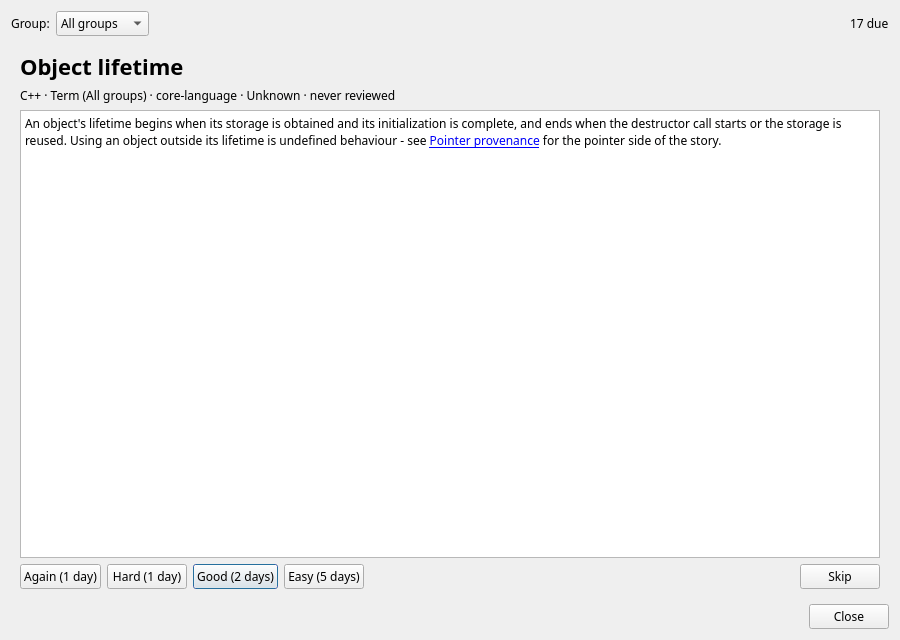
One card at a time
- The title comes first, with its disambiguation, group, type, understanding level and when you last saw it. Try to recall the content before you read on.
- Show answer renders the item's Markdown content.
- Rate how it went. The rating moves the understanding level and sets the next review.
- Skip leaves an item for later without changing anything; Close ends the sitting. Nothing is lost — the queue is rebuilt from the items themselves every time.
The four ratings
| Rating | Key | Understanding | Next review for an Understood item |
|---|---|---|---|
Again | 1 | one level down | 2 days, and once more in this sitting |
Hard | 2 | unchanged | 5 days |
Good | 3 | one level up | 12 days |
Easy | 4 | two levels up | 30 days |
The interval follows the understanding level the item ends up with: 1, 2, 5, 12 or 30 days for Unknown, Recognized, Understood, Practiced and Mastered. So the levels you already track double as the schedule — there is no second, hidden set of numbers.
What is due
- An item is due when its last review is further back than the interval for its level.
- Items you have never reviewed are due at once, and come after the overdue ones — old business first.
- The review reads and writes the same items as everything else, so a rating on the phone shows up on the desktop, and the other way around.
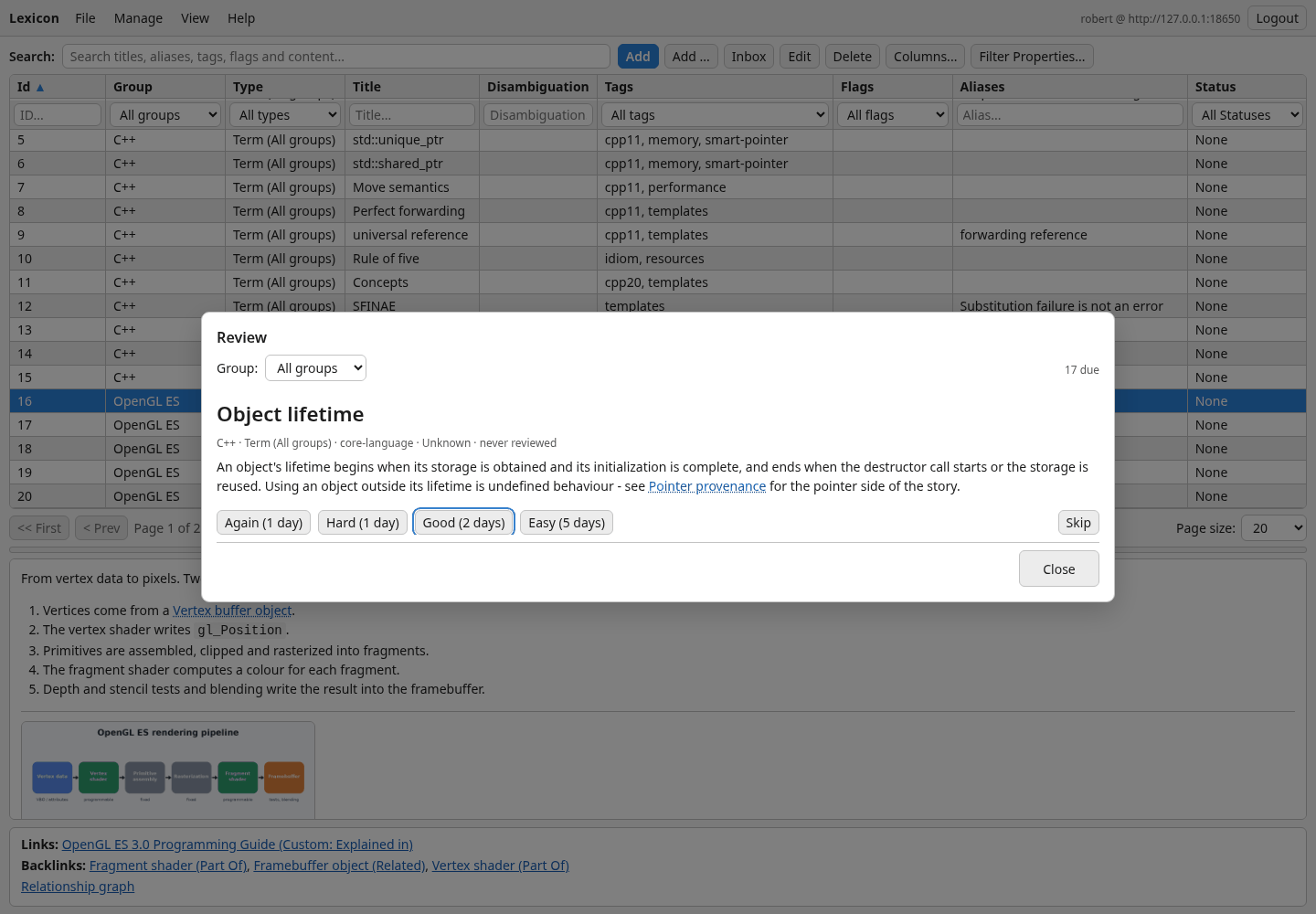
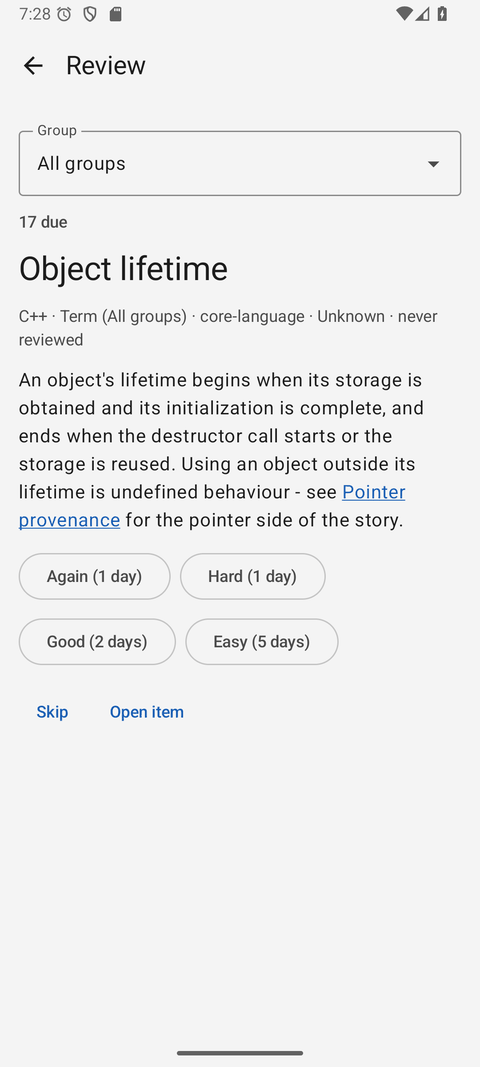
Ten minutes beats an hour A short daily sitting keeps the queue short. If it has grown anyway, pick one group and work through that — the rest waits patiently.
Rate honestly Easy on an item you half-remembered pushes it a month away. Again costs you nothing but two days.
Related: cards and the quiz
Review covers whole items on a schedule. Cards ask specific questions about an item in a separate Yes/No quiz, with no due dates. See the Cards & quiz guide for creating cards and taking the quiz in all three clients.